Modeling & Materials
Weekly Design Challenge Template
Jielin Zhang
Module 1
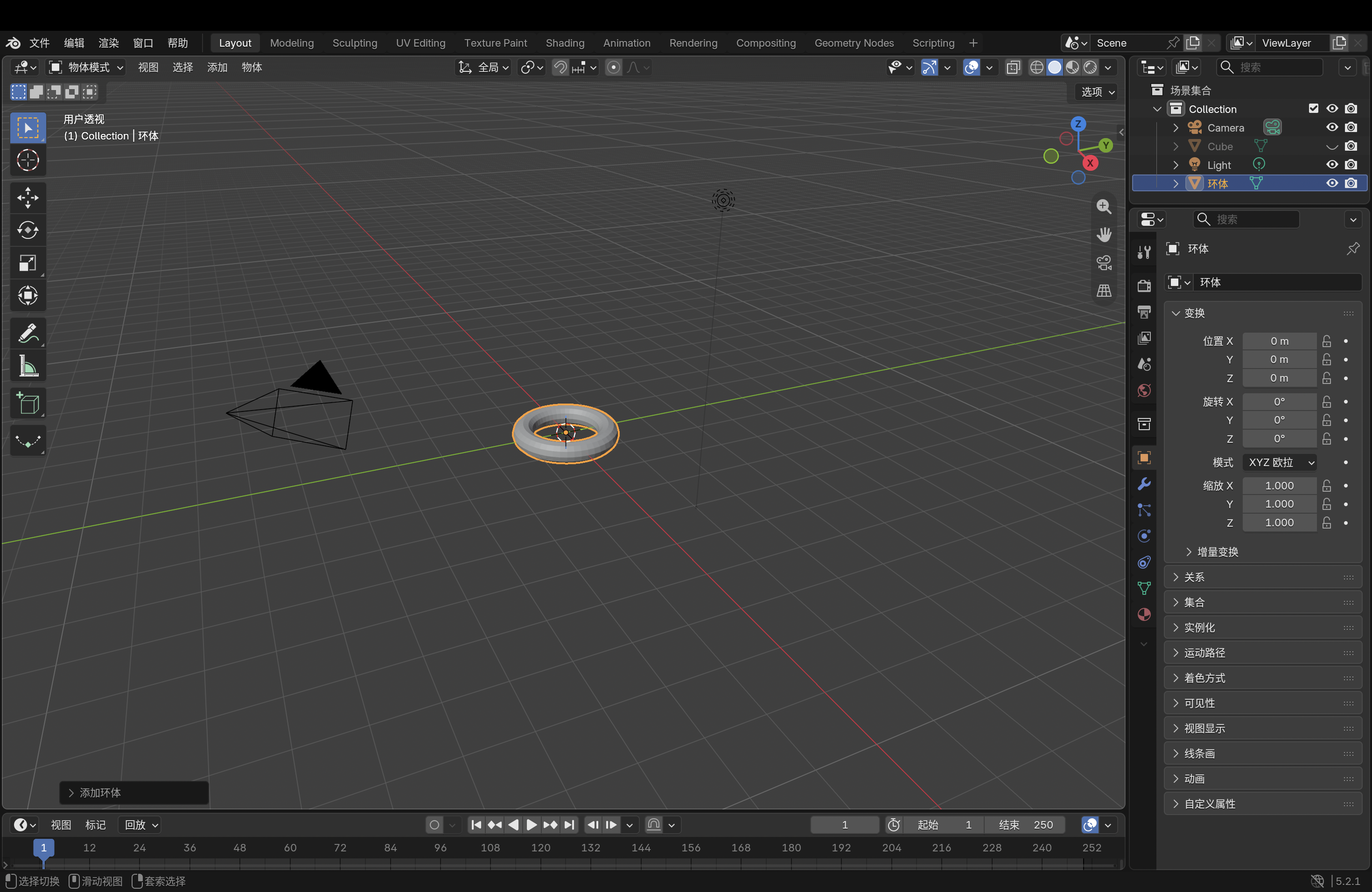
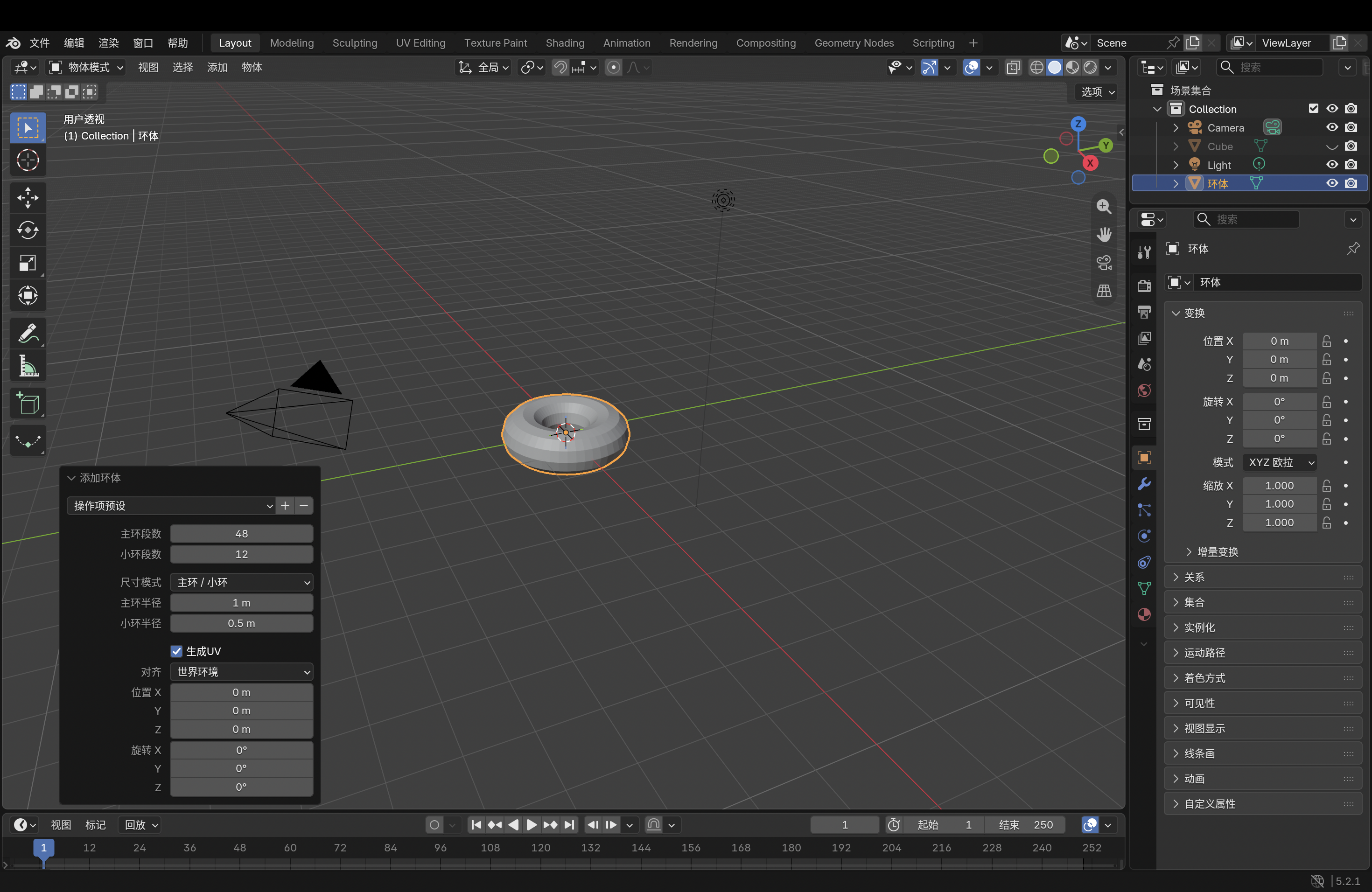
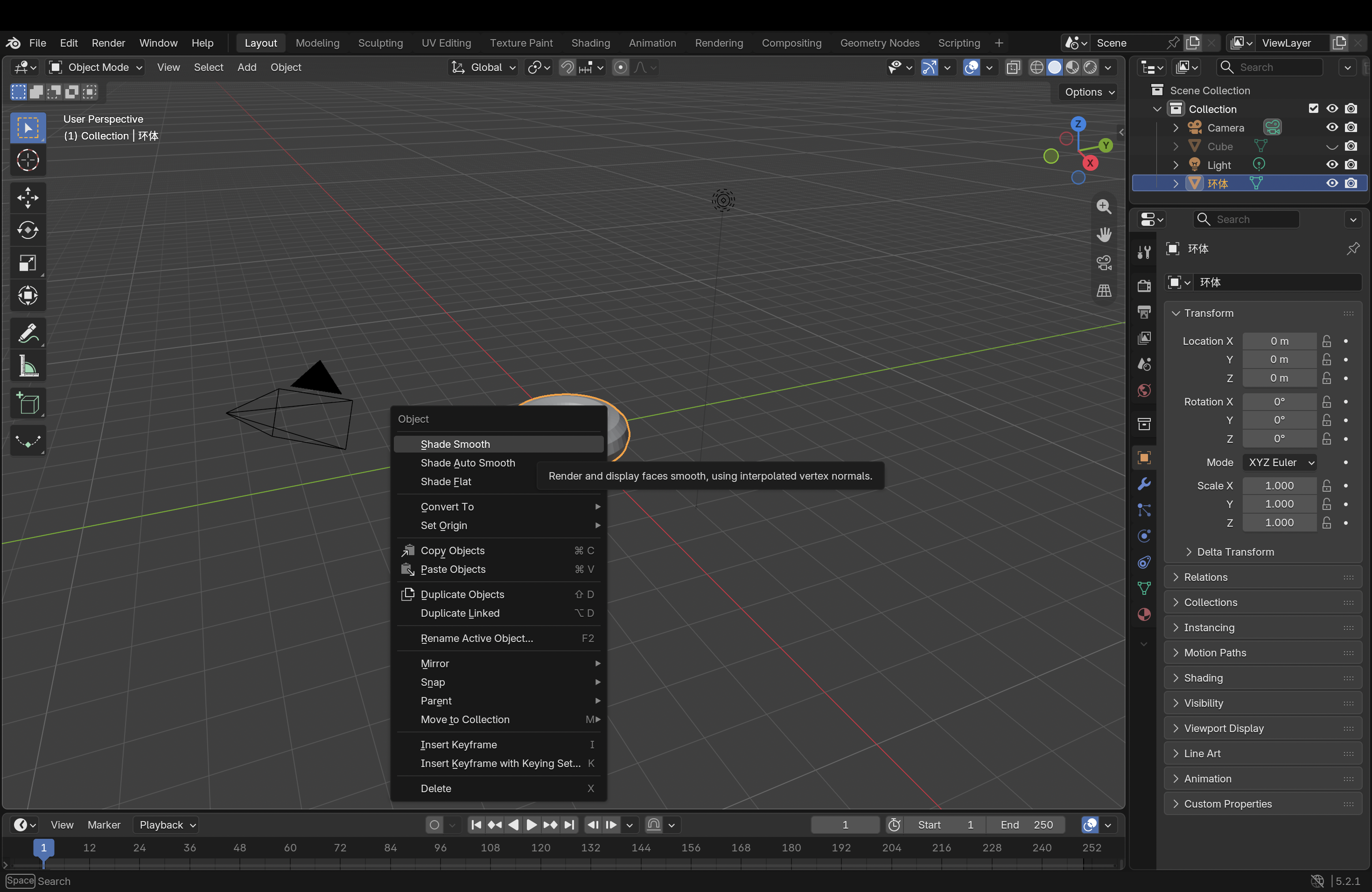
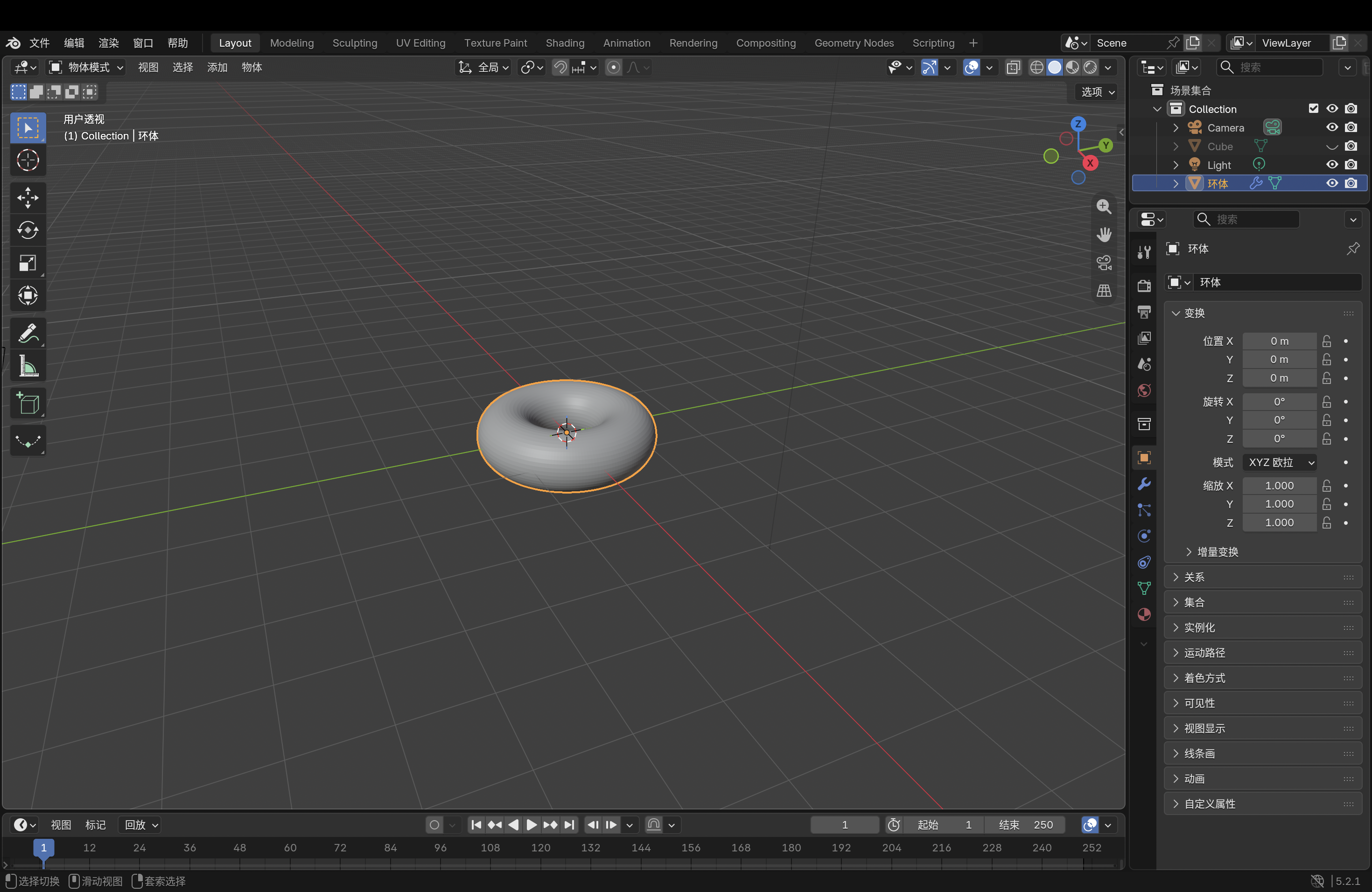
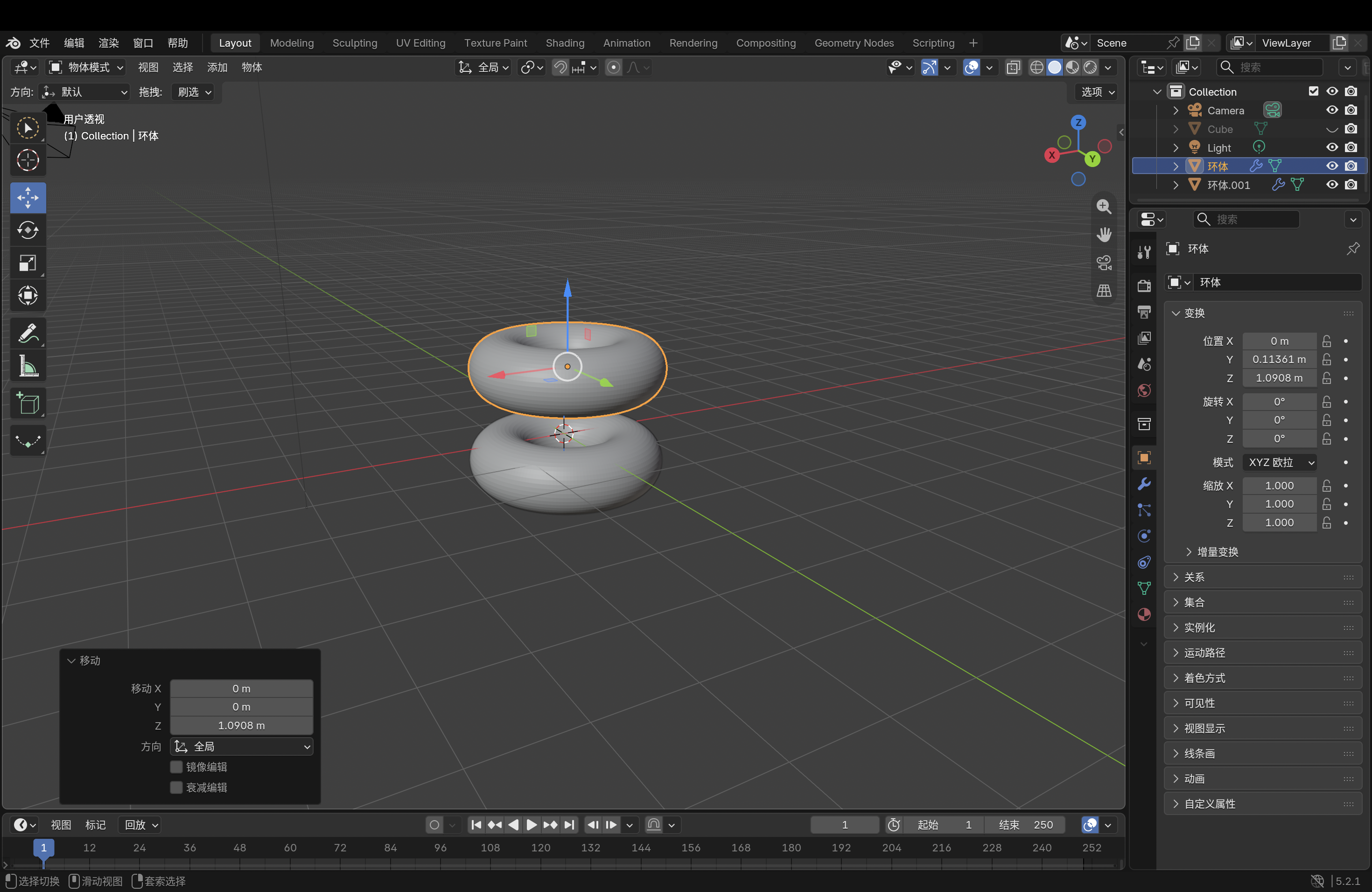
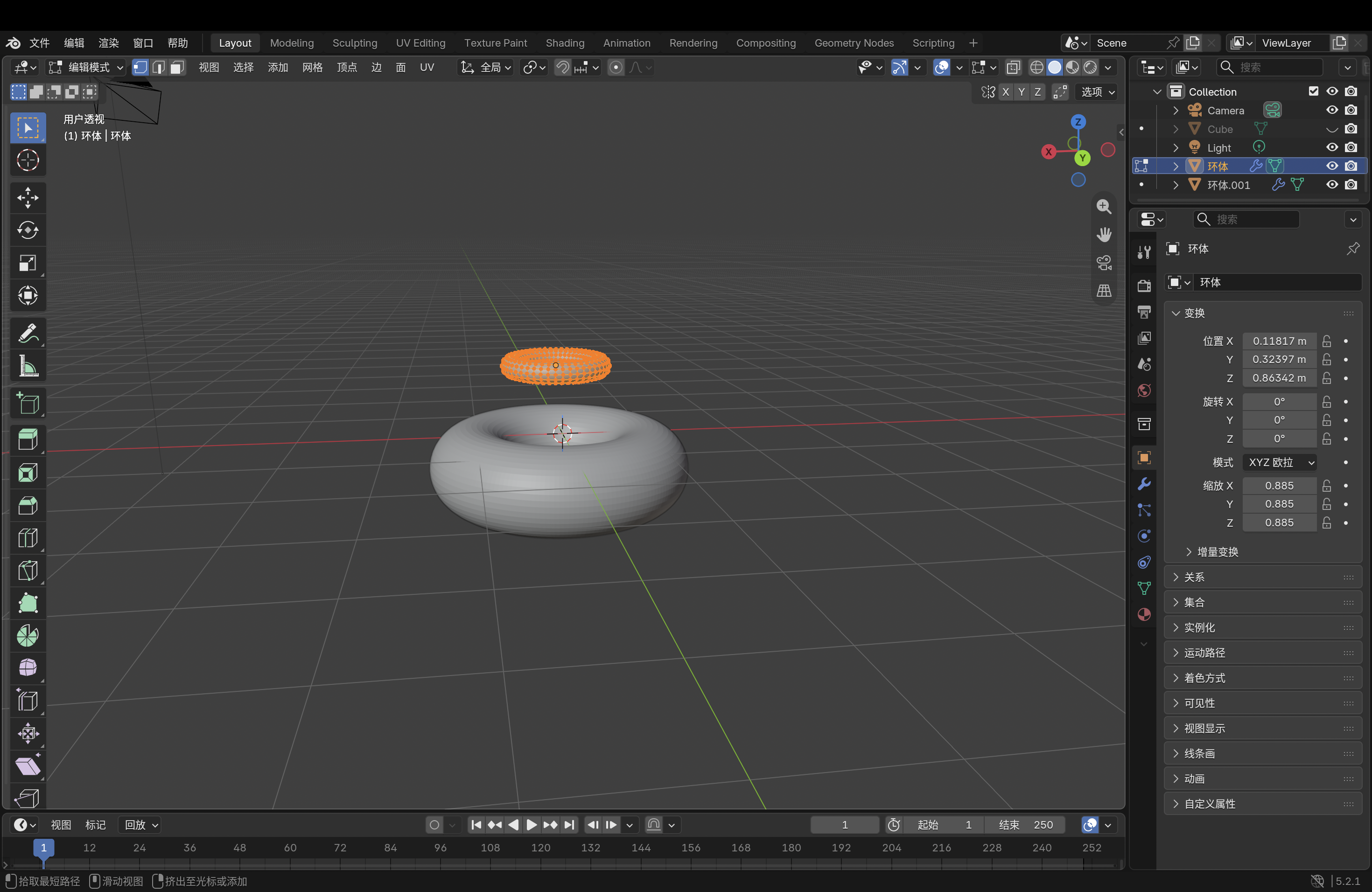
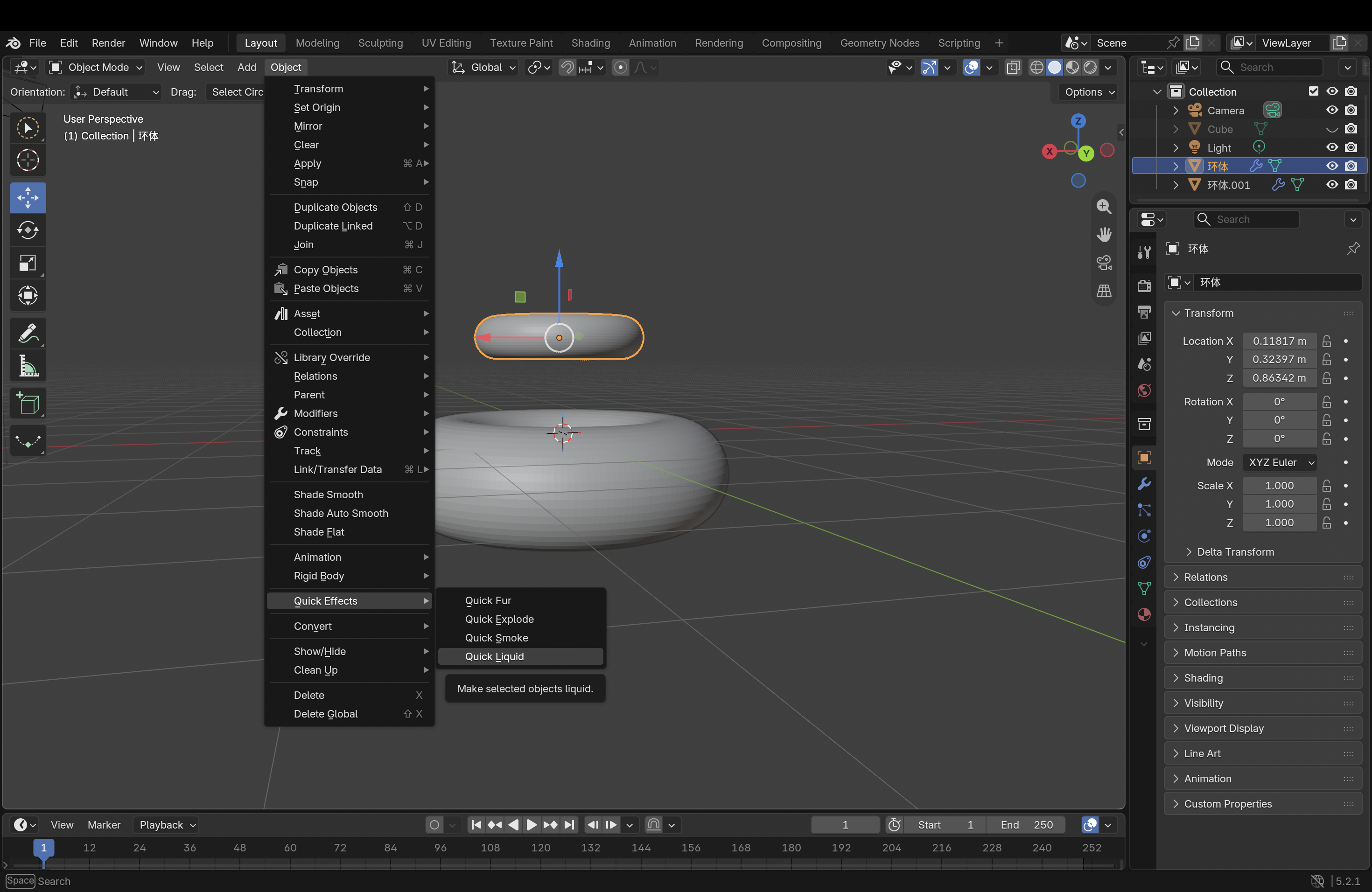
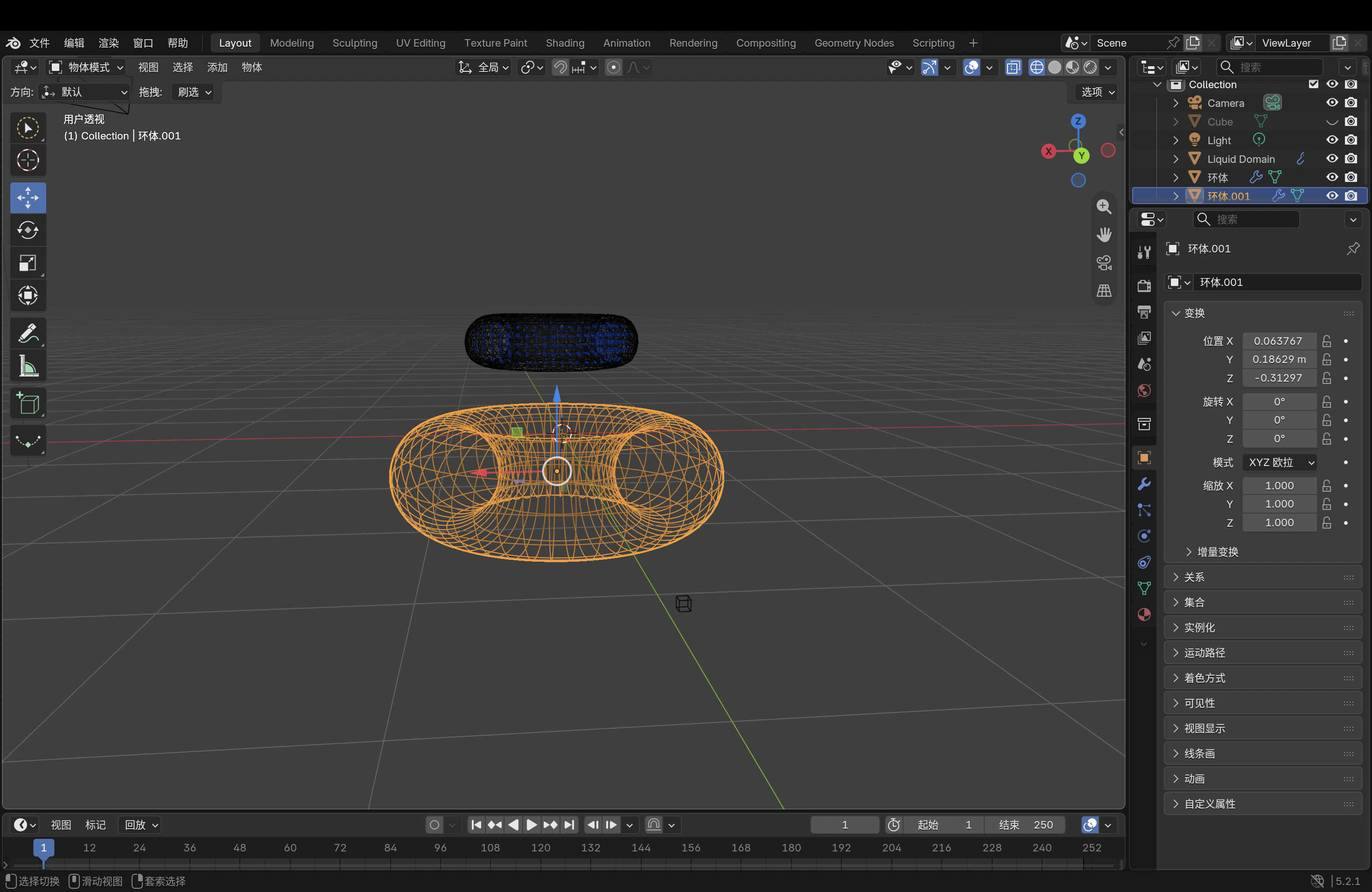
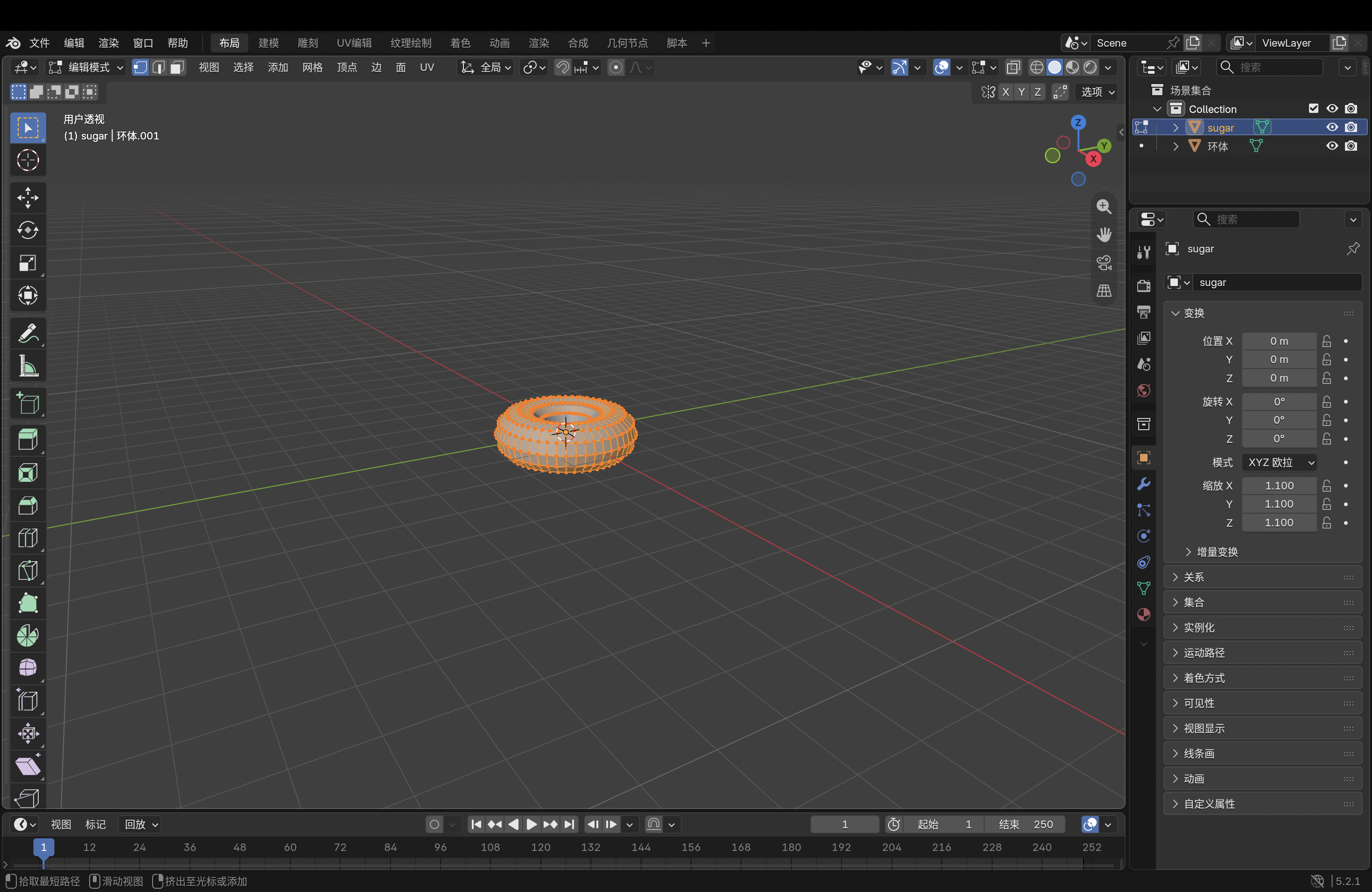
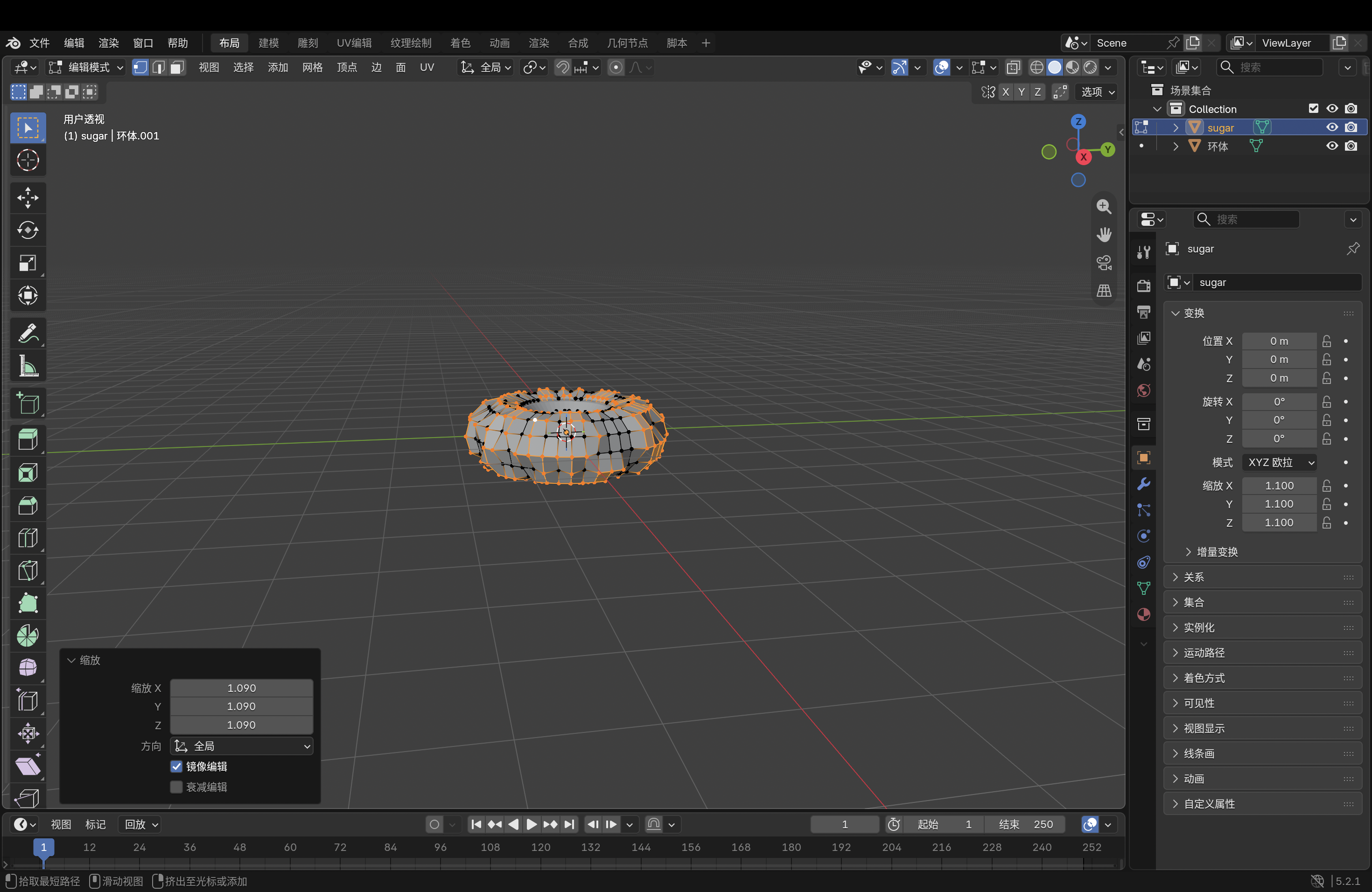
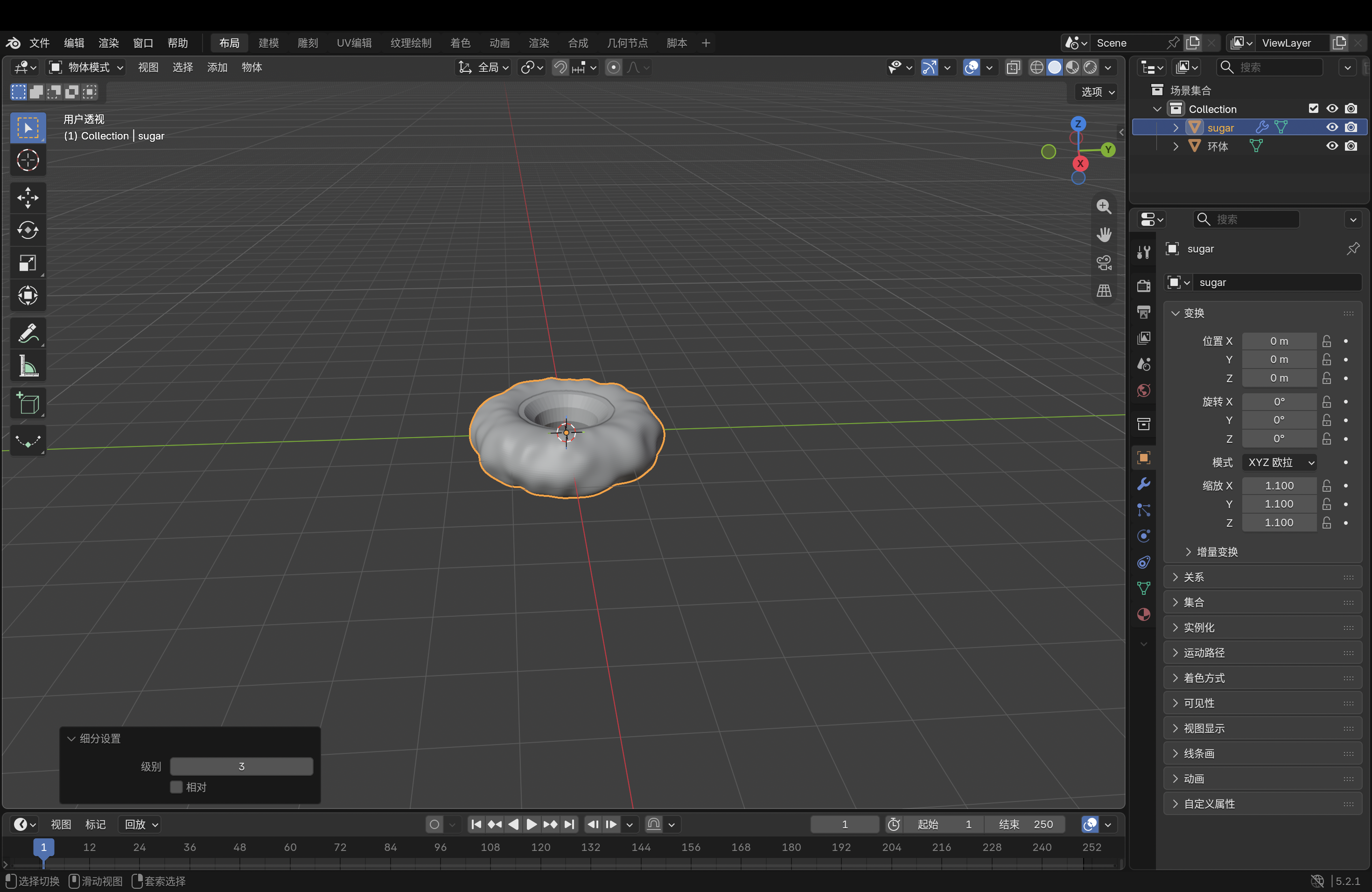
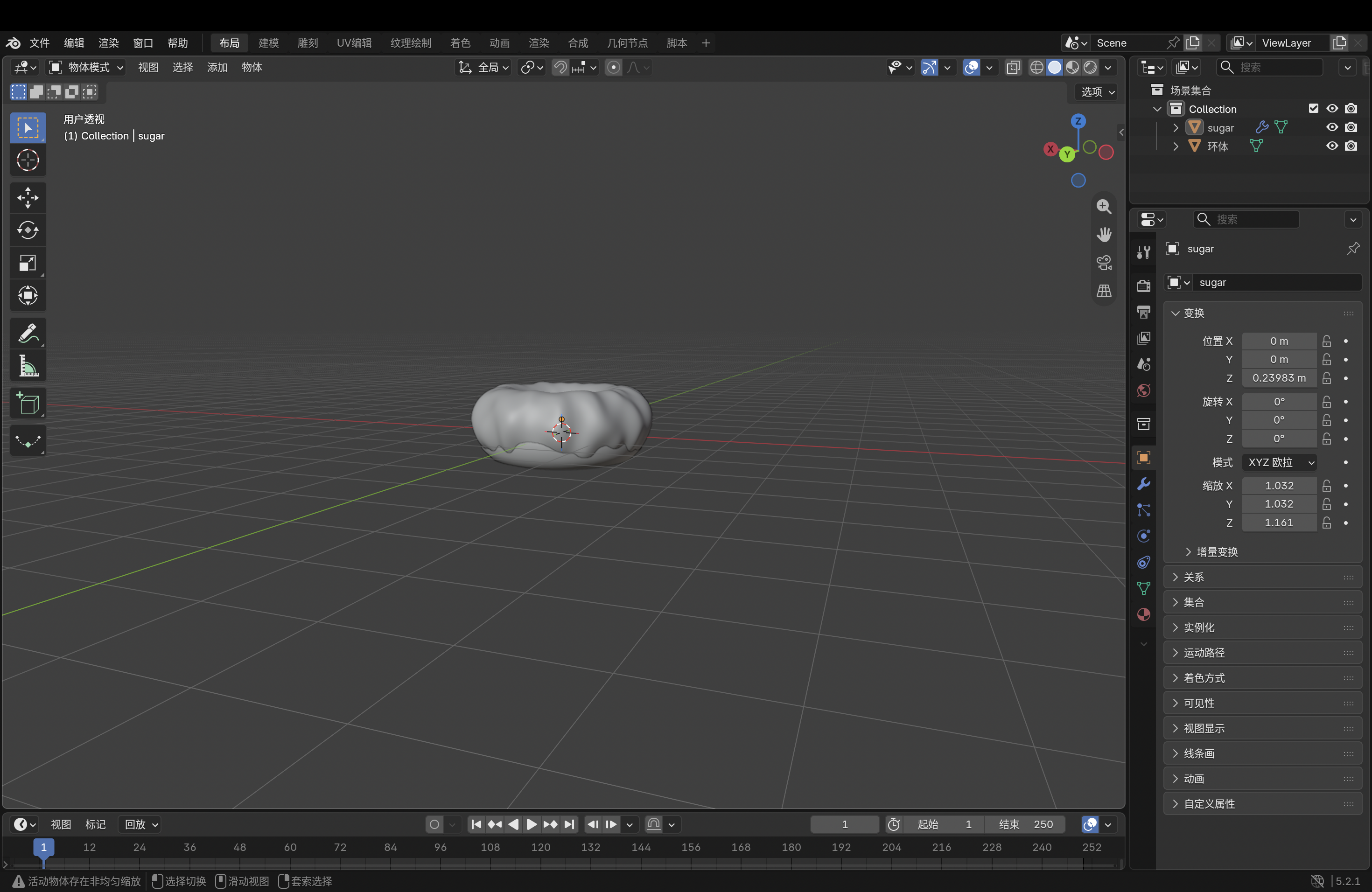
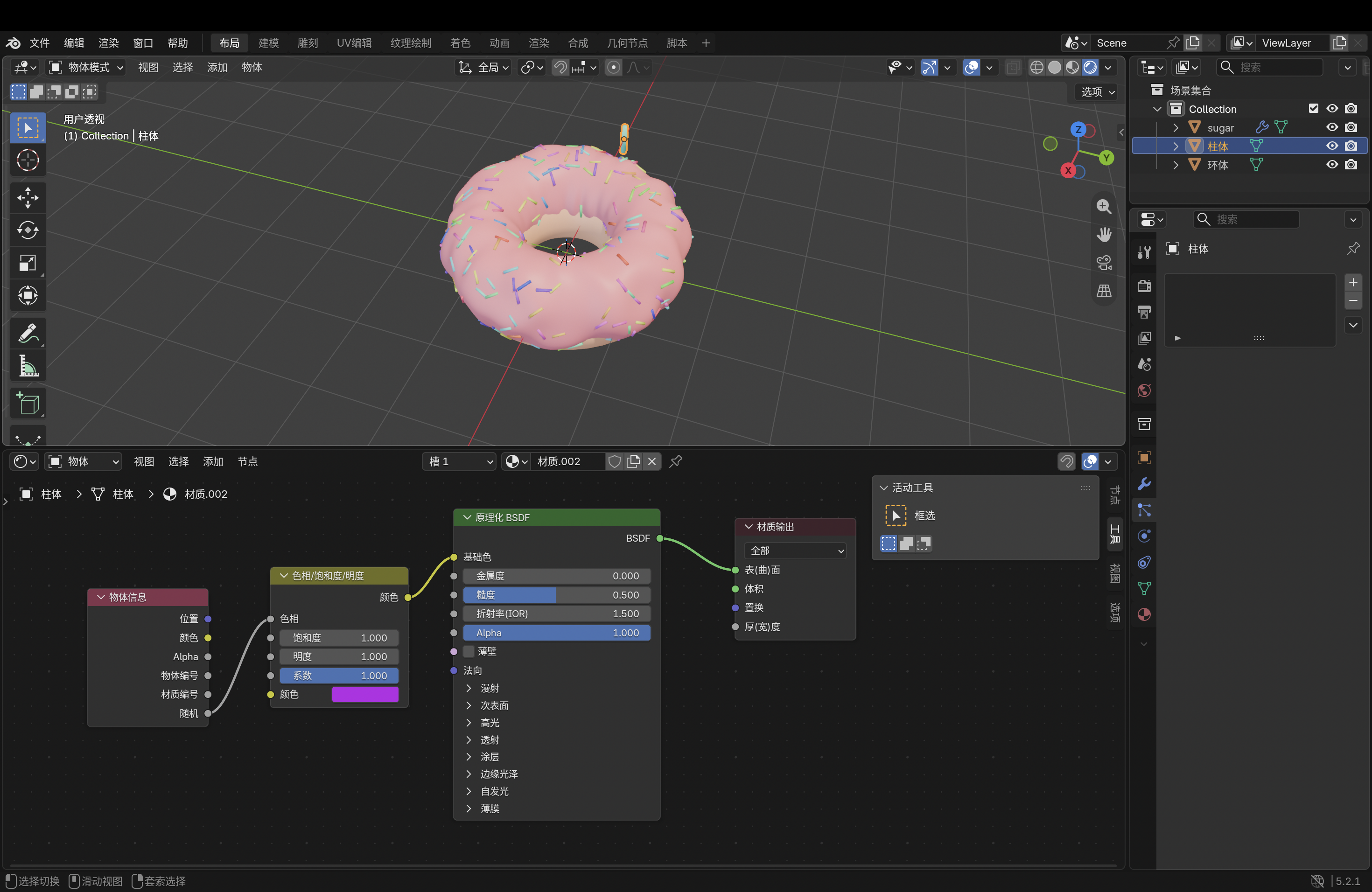
In Module 1, I practiced developing simple 3D shapes into recognizable objects. Design Challenge 1 records my initial modelling work, and Design Challenge 2 documents how I built and refined a Coca-Cola can in Blender.
Design Challenge 1
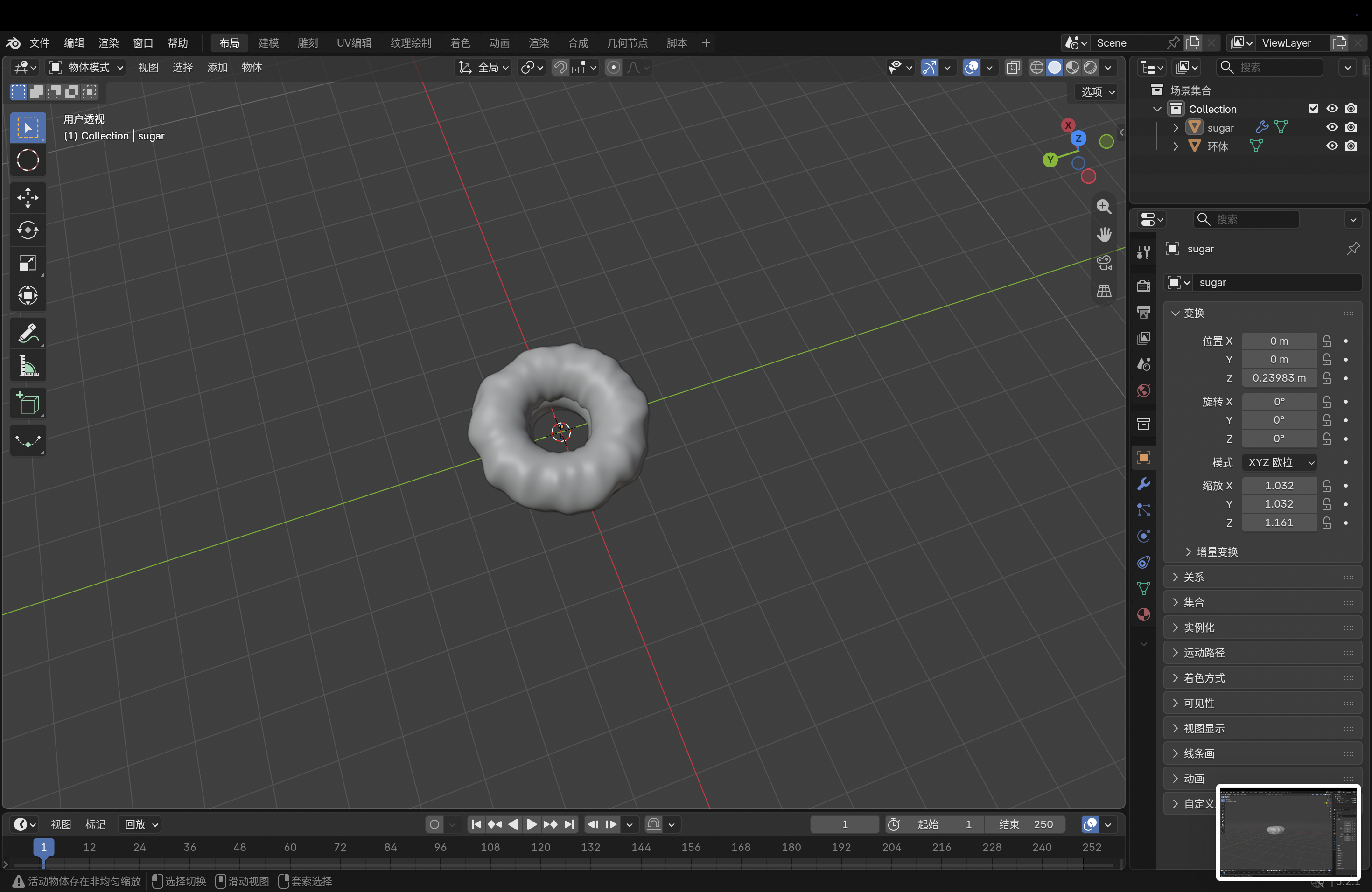
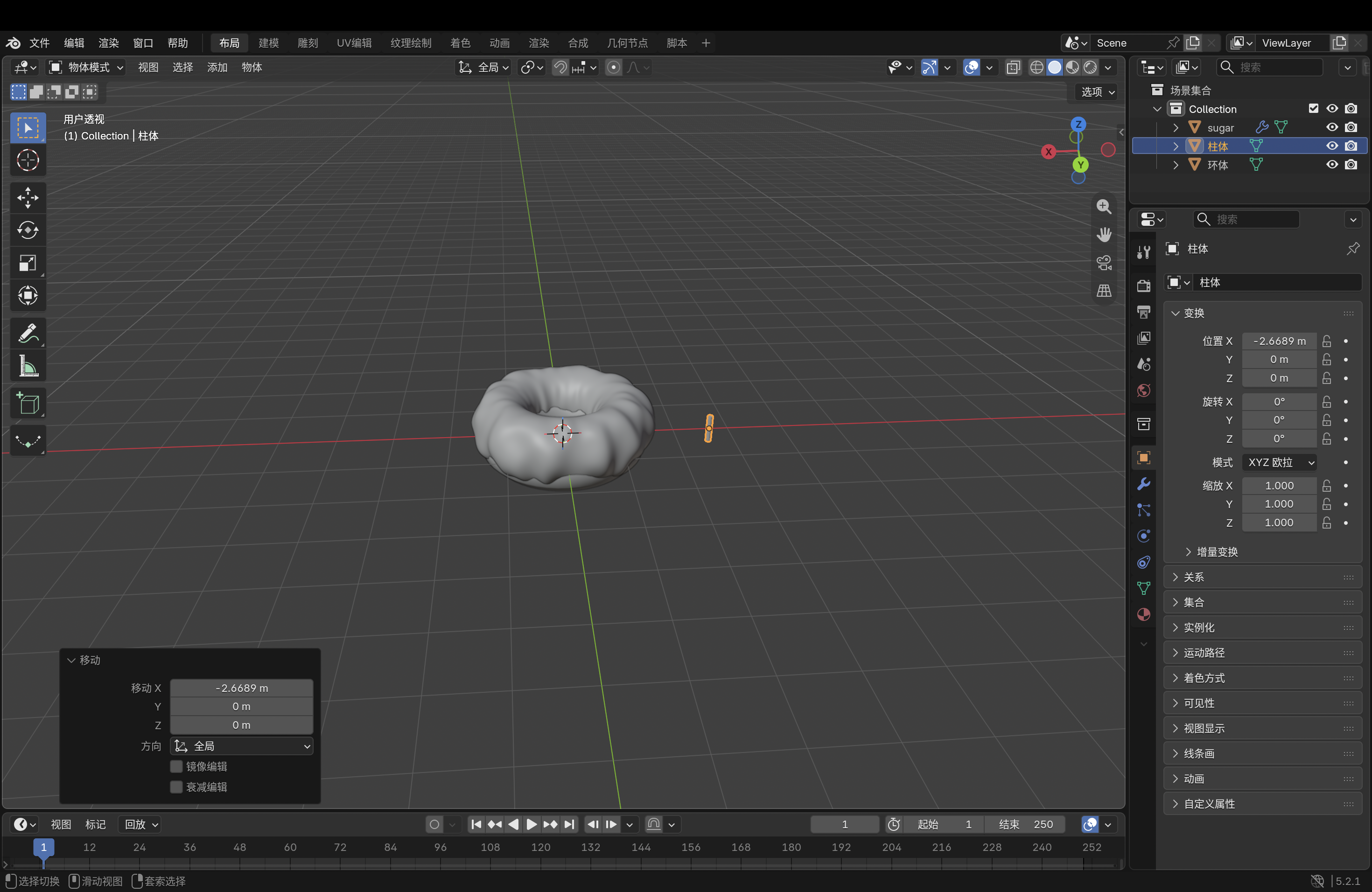
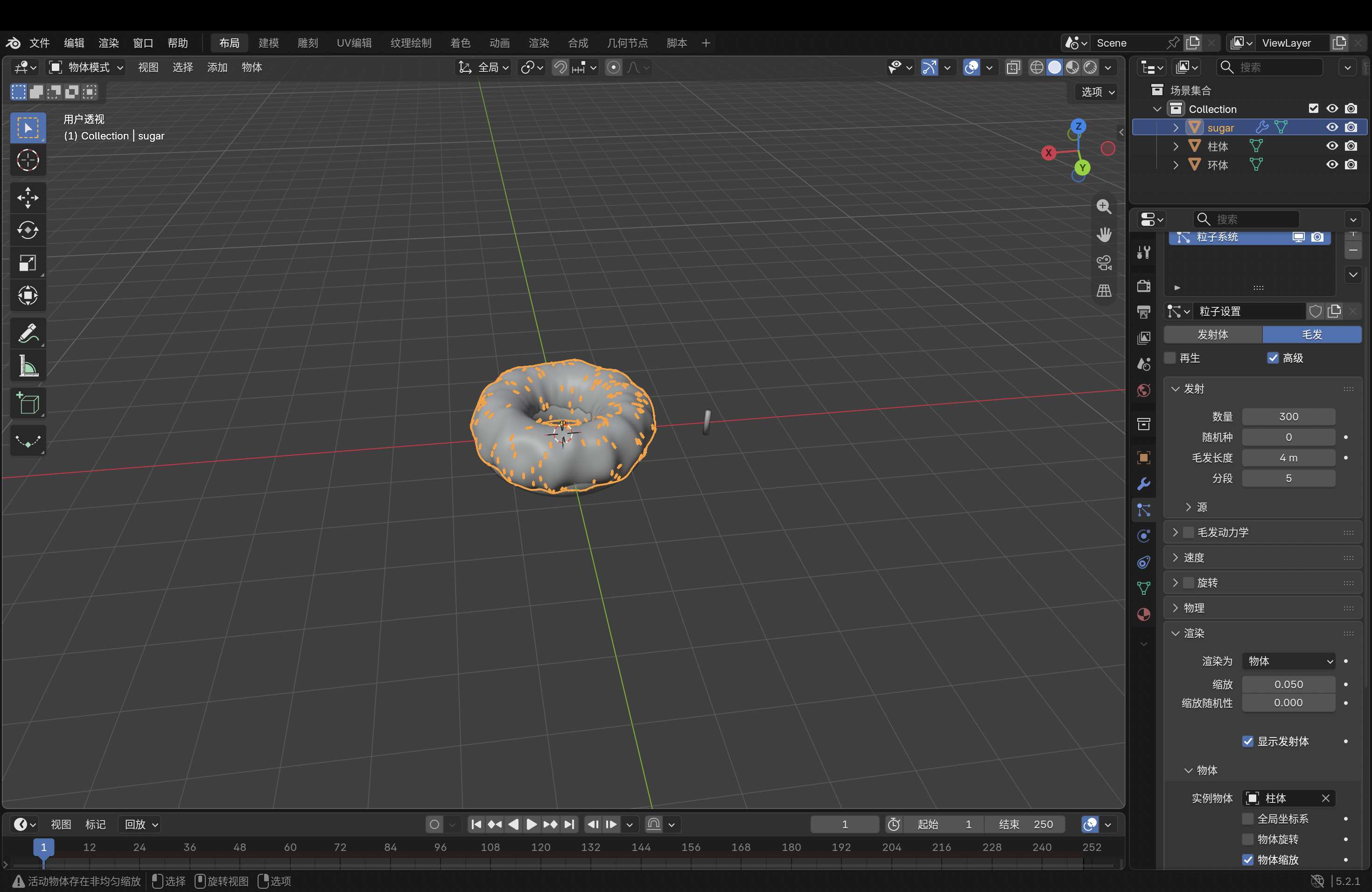
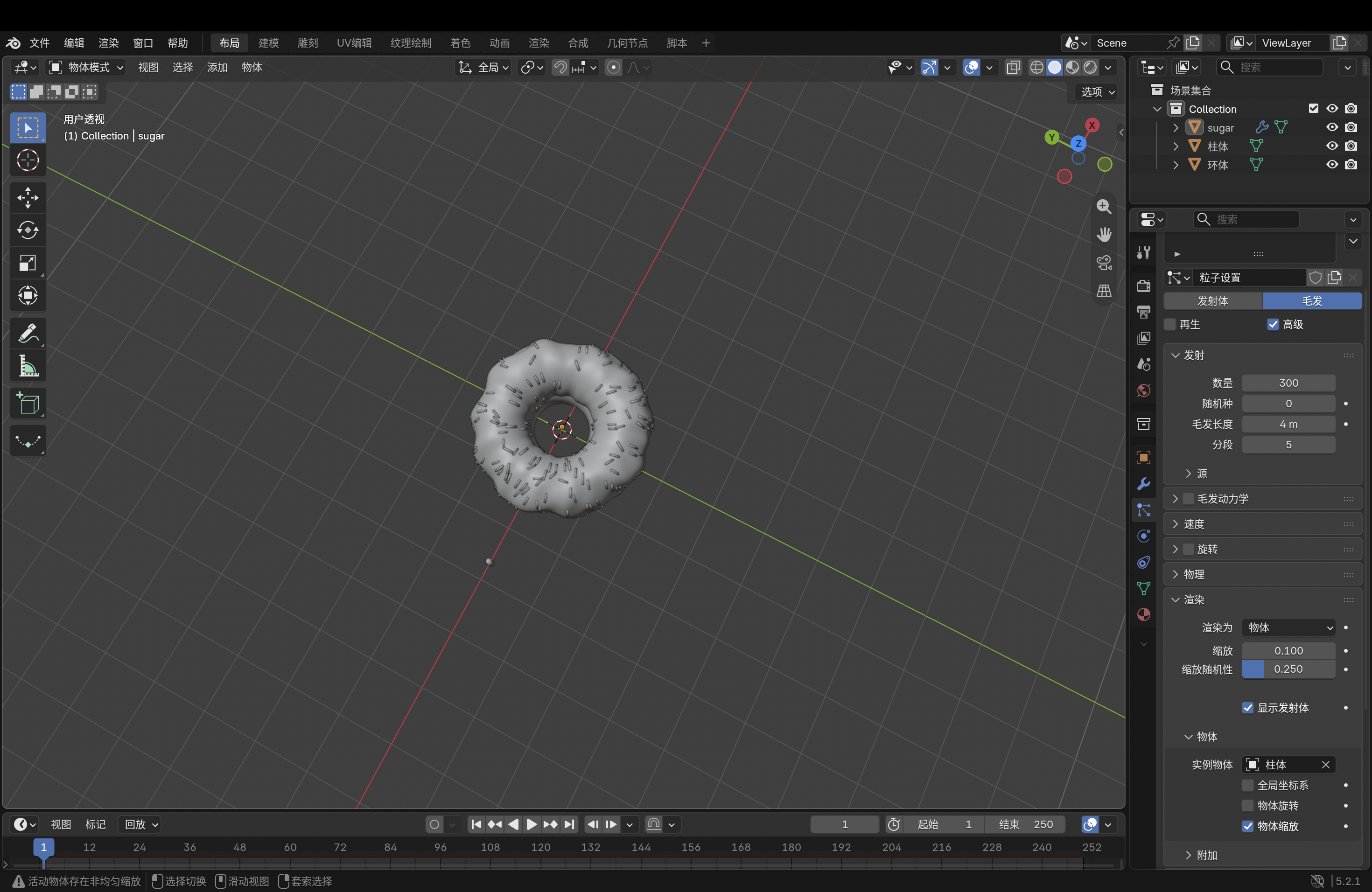
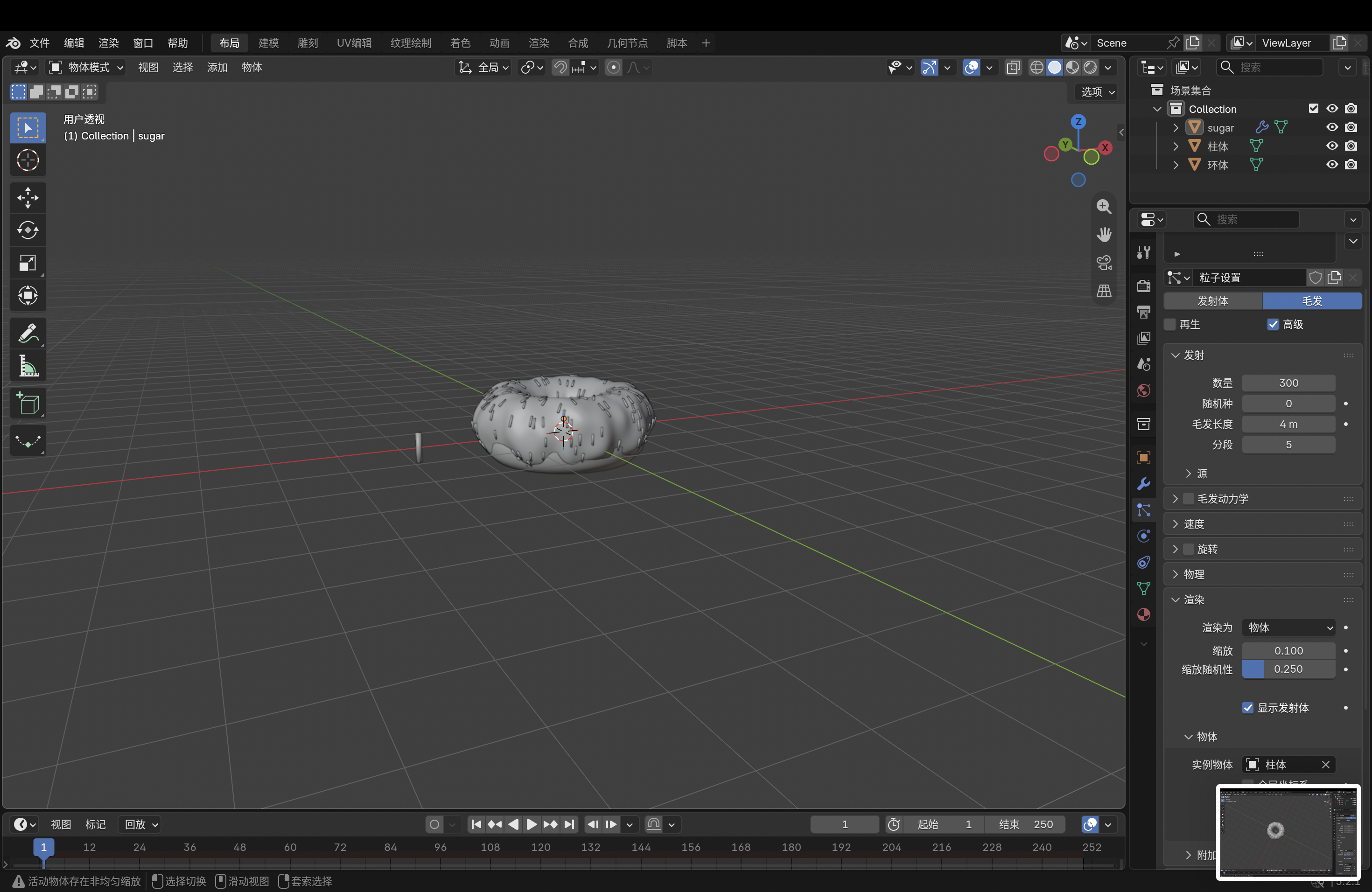
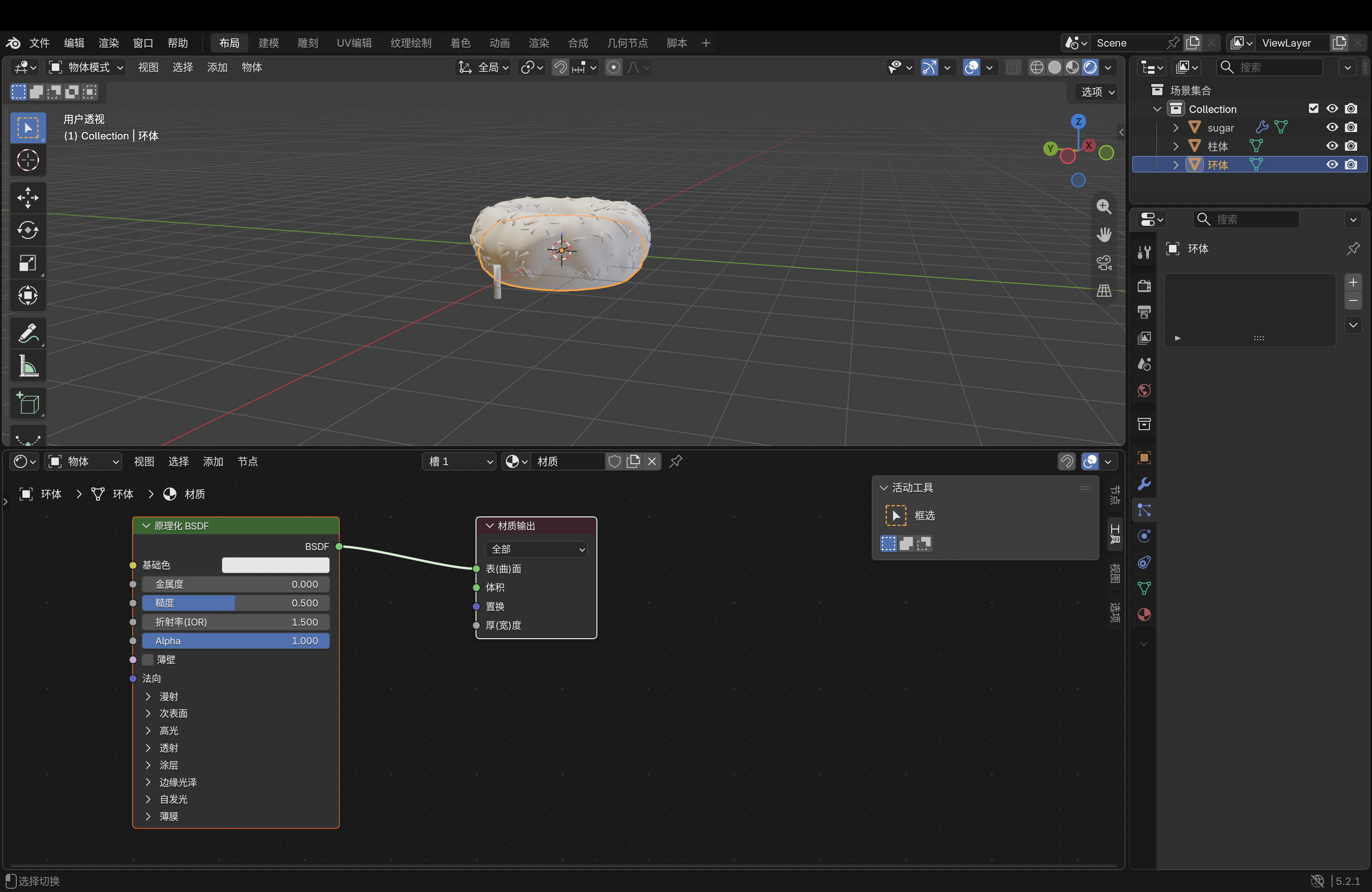
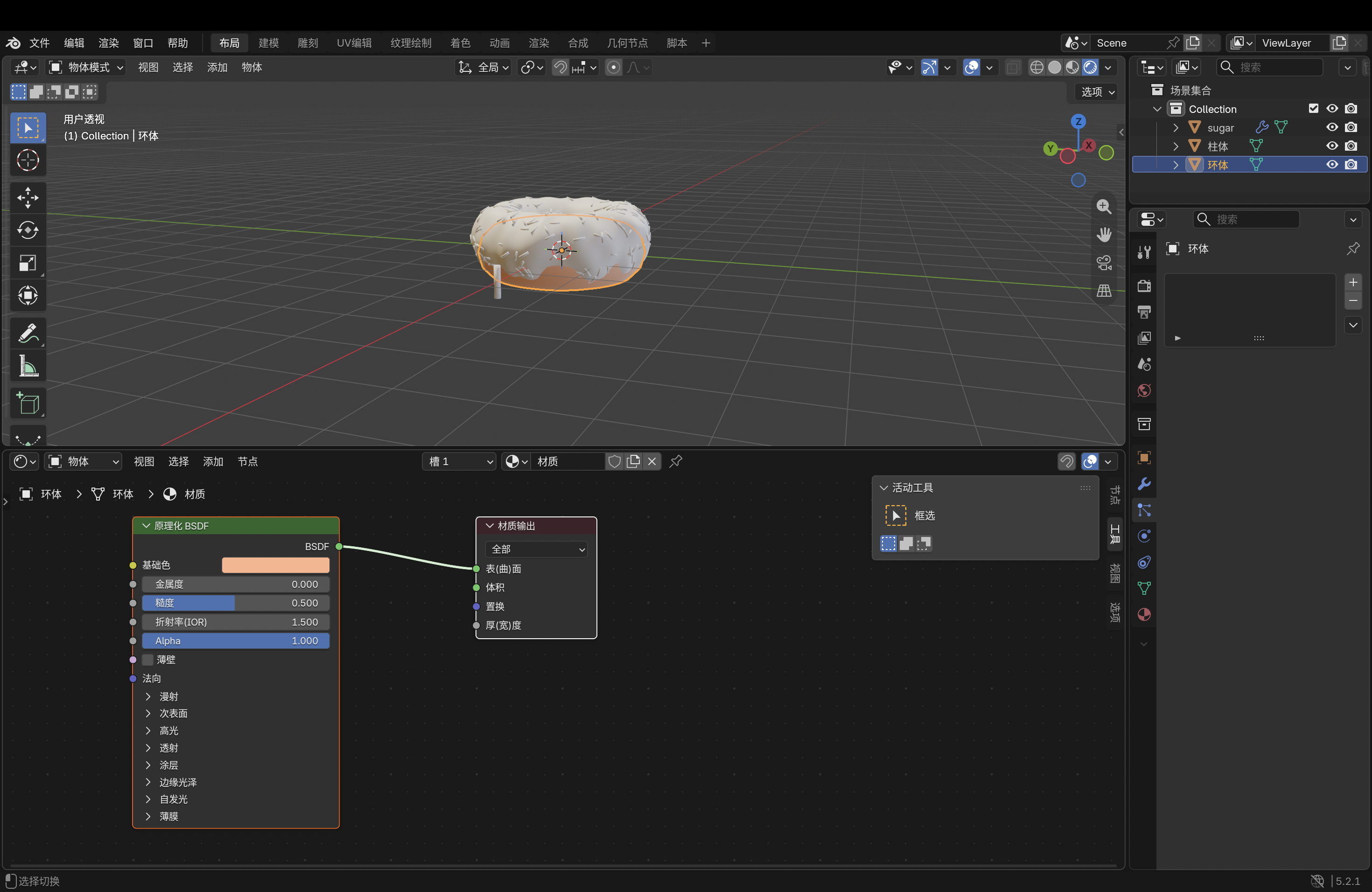
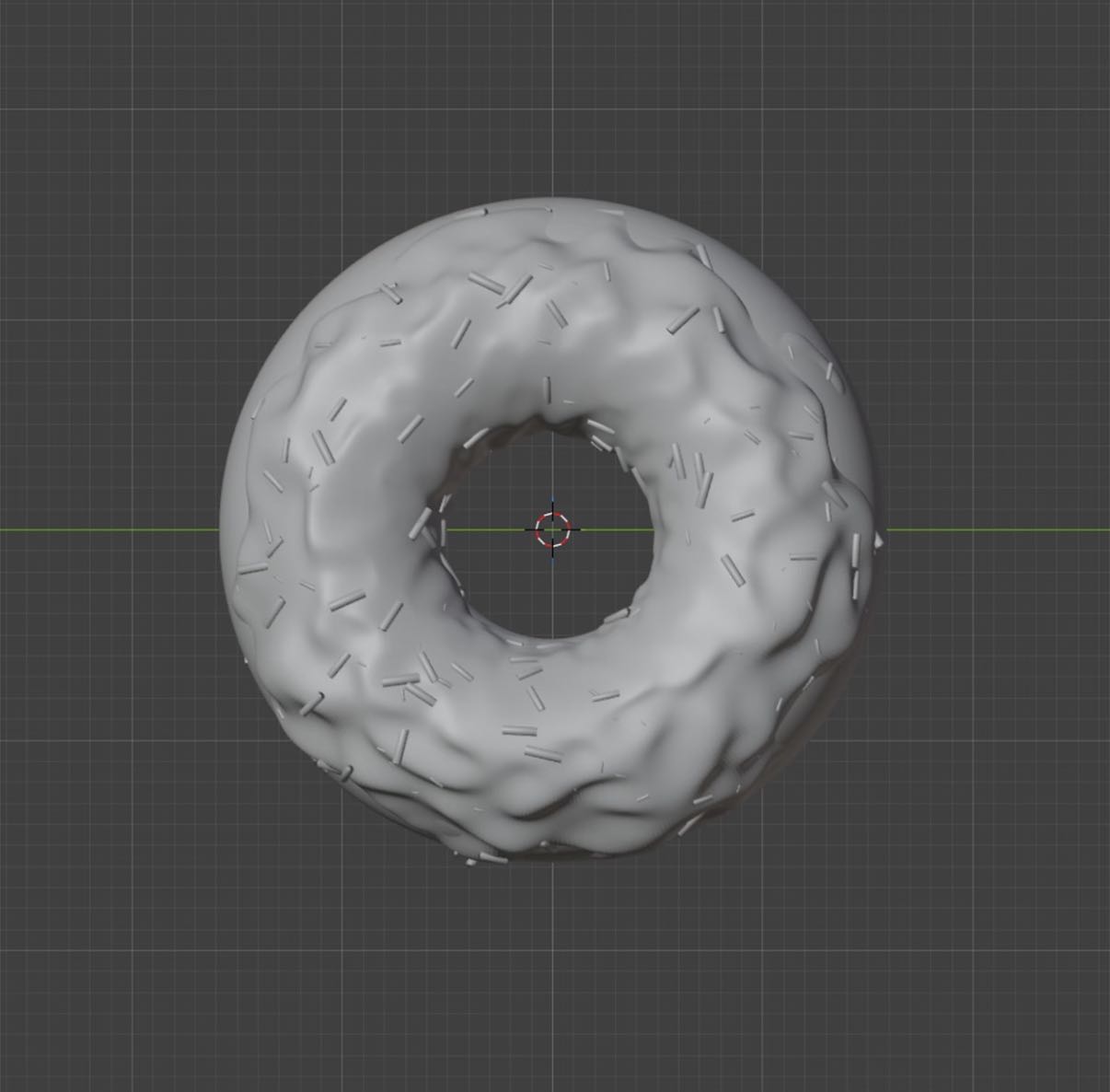
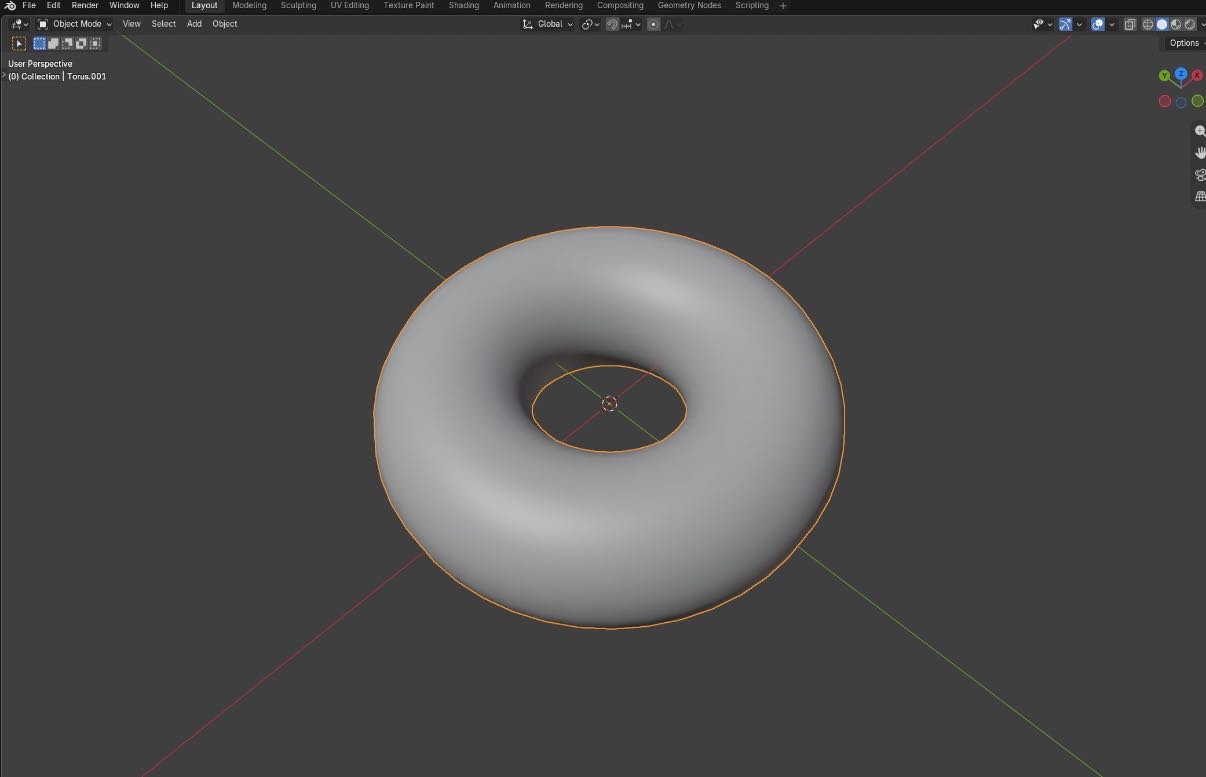
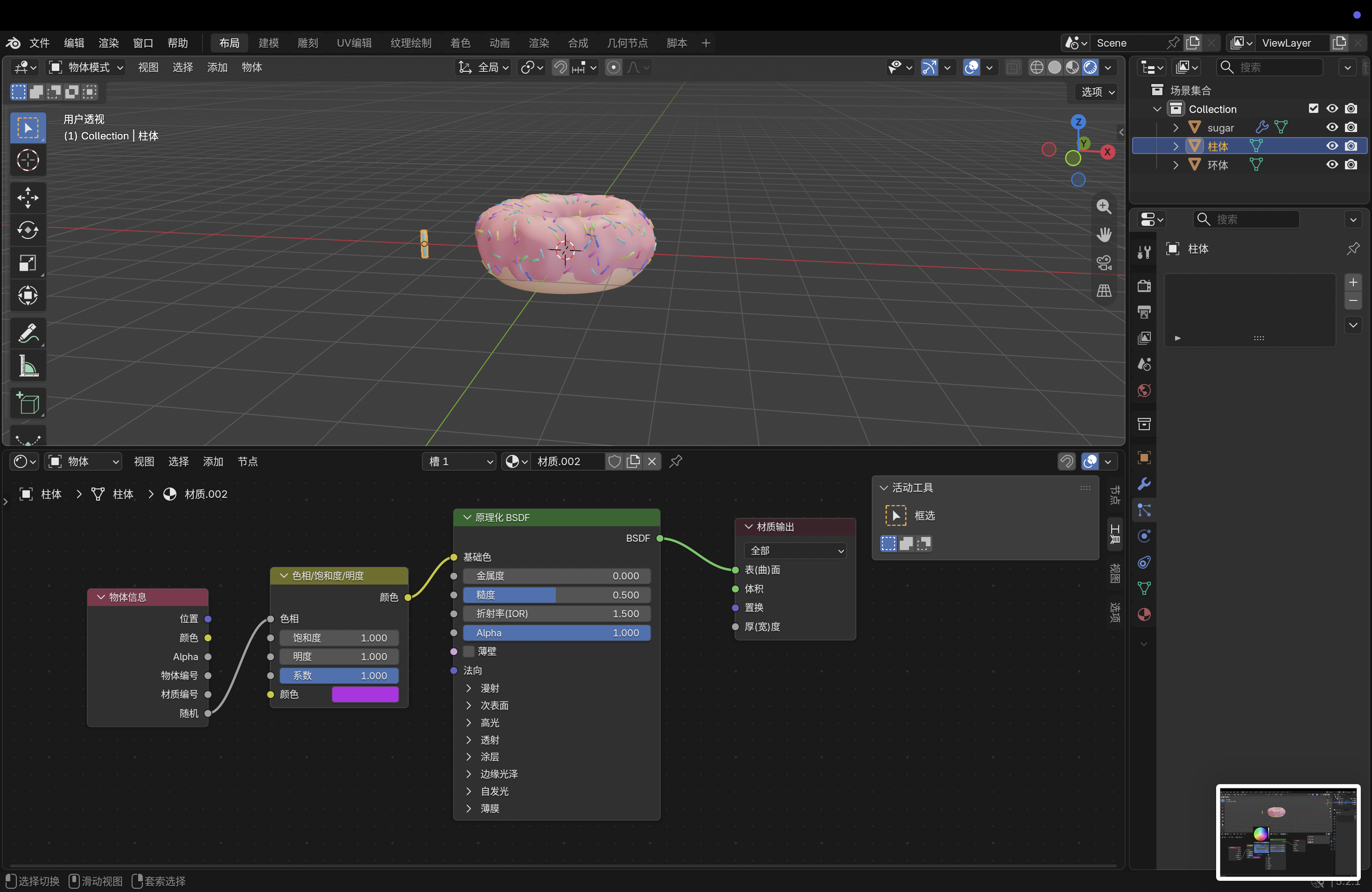
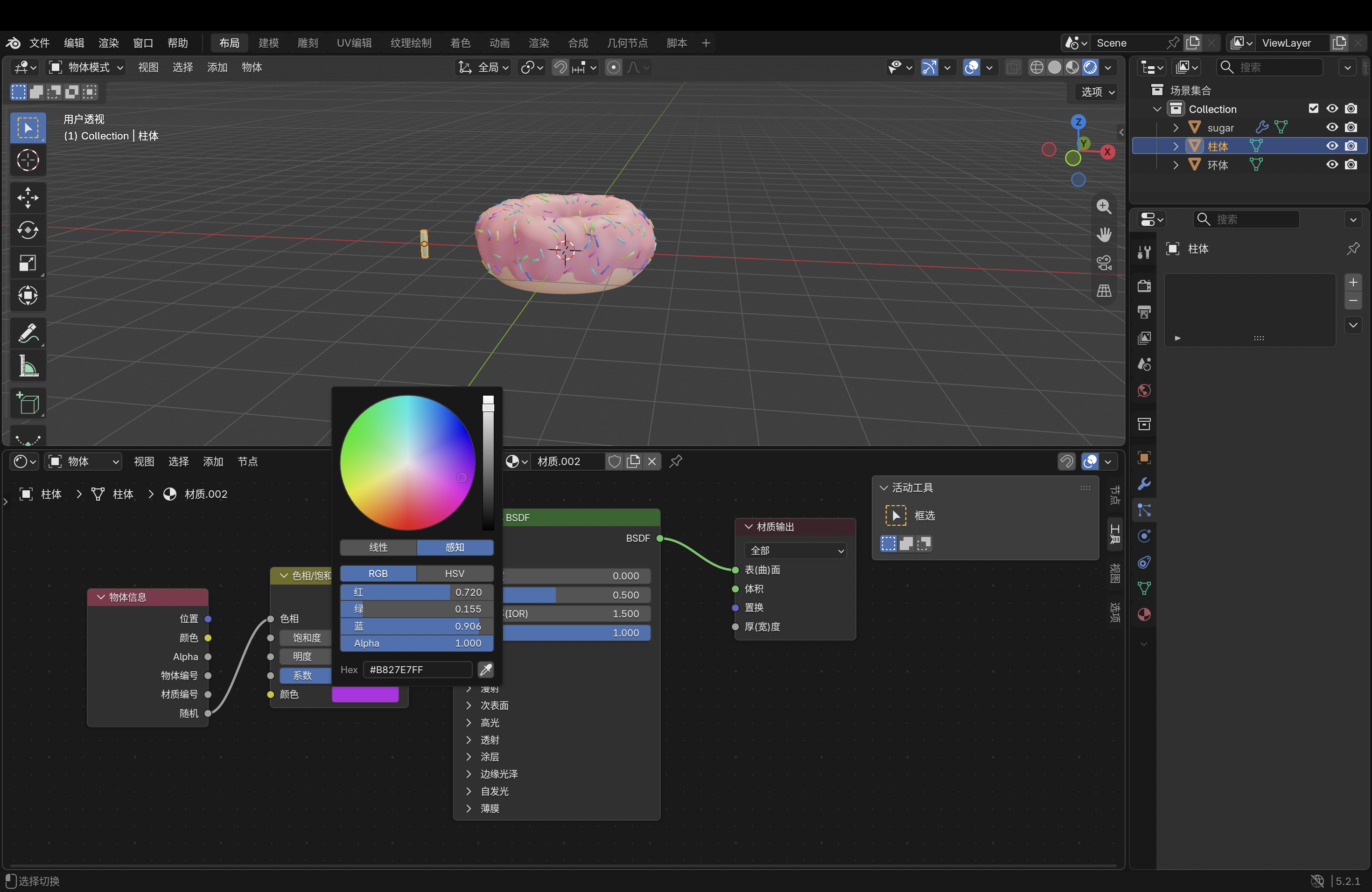
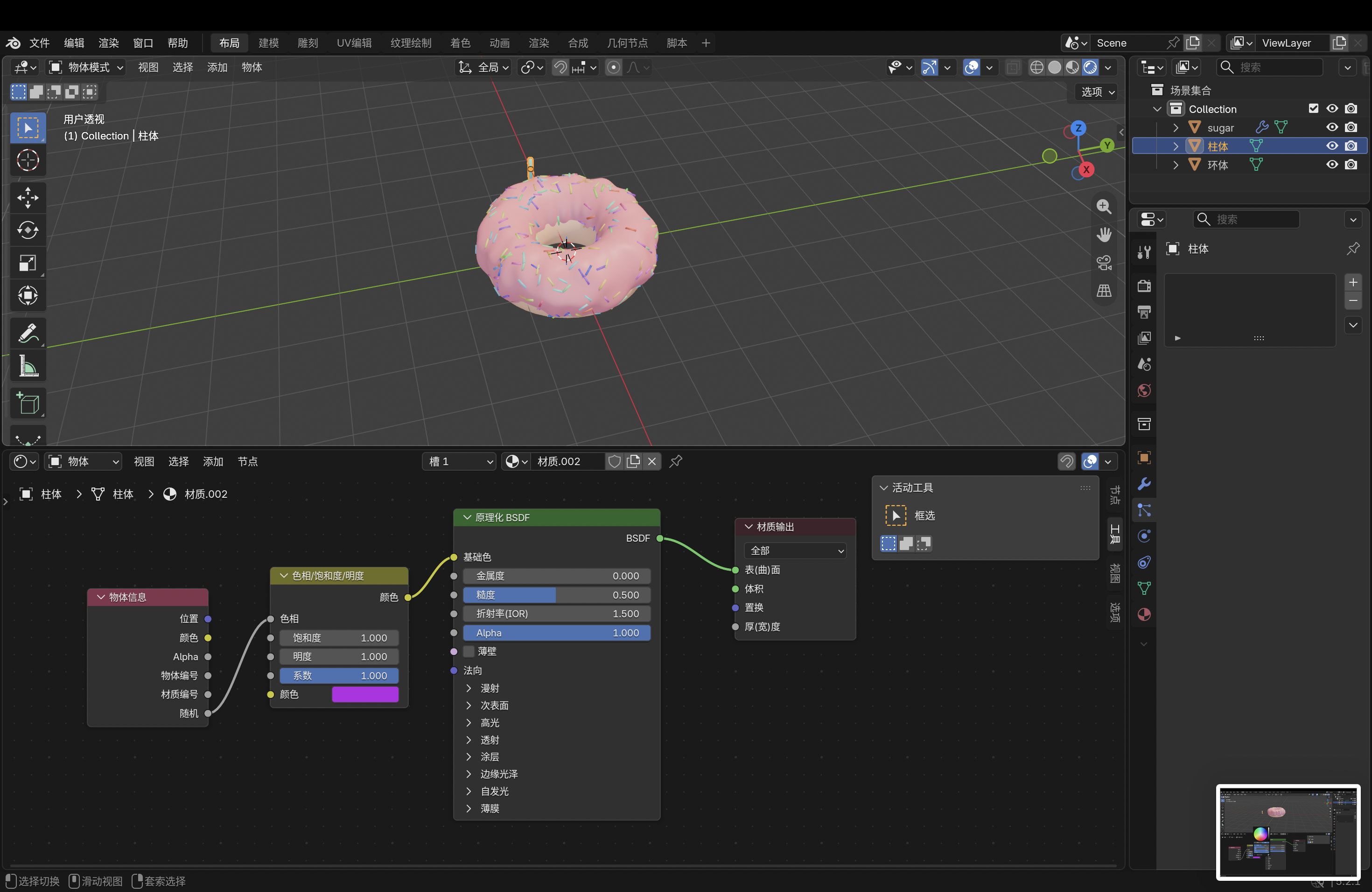
Design Challenge 2
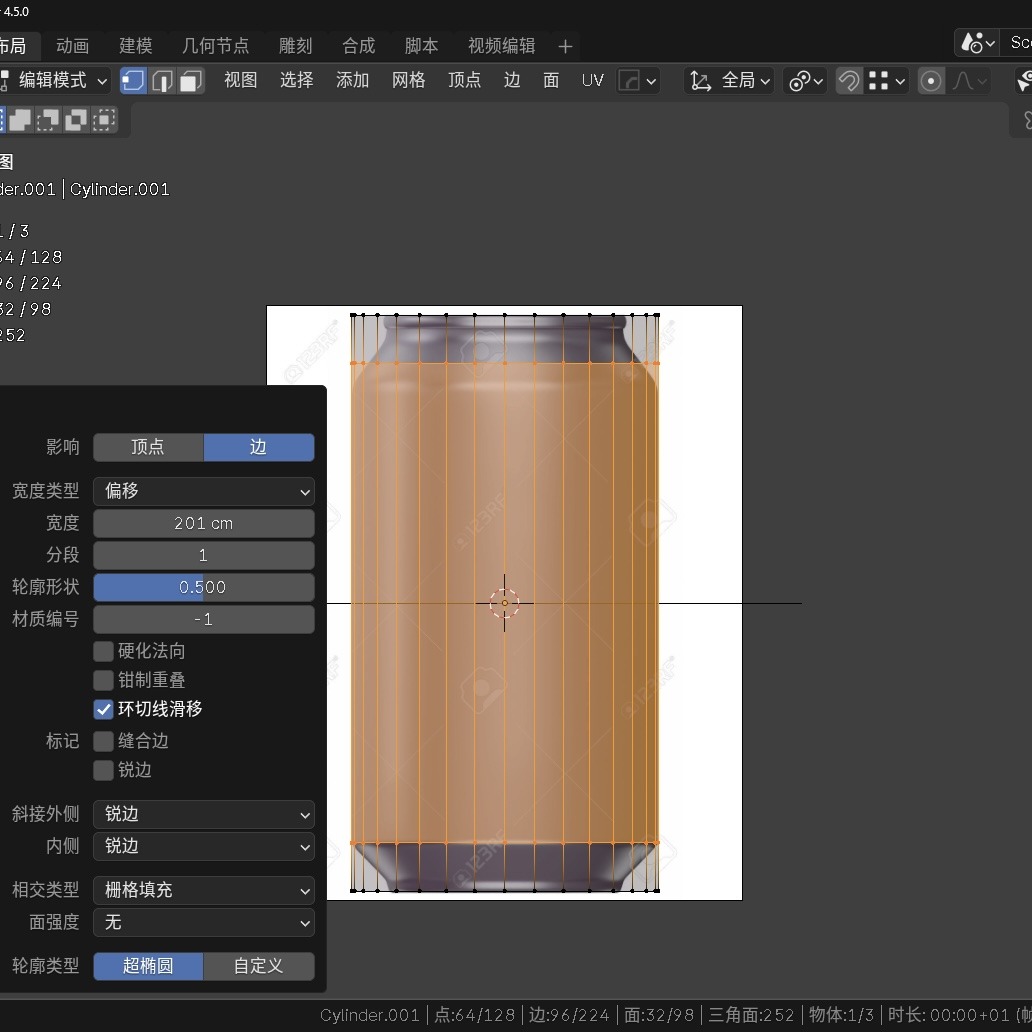
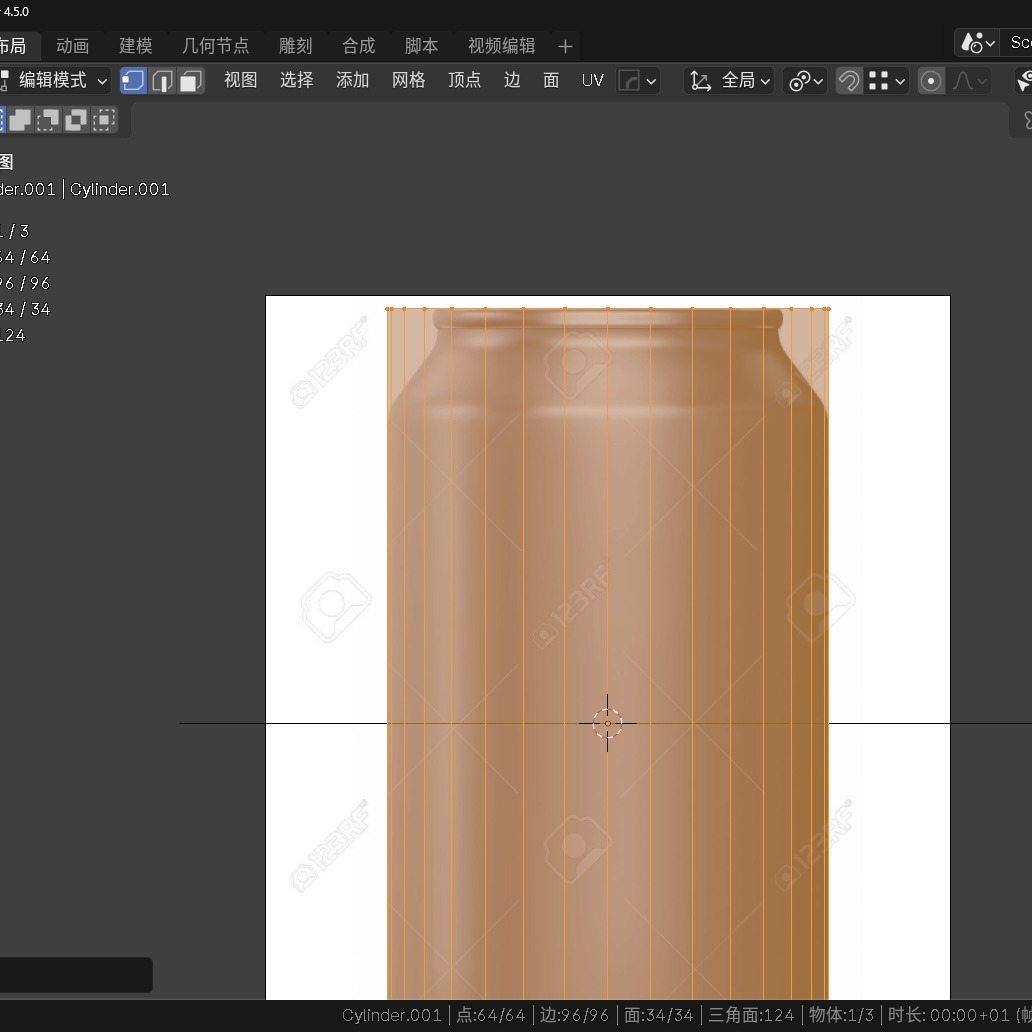
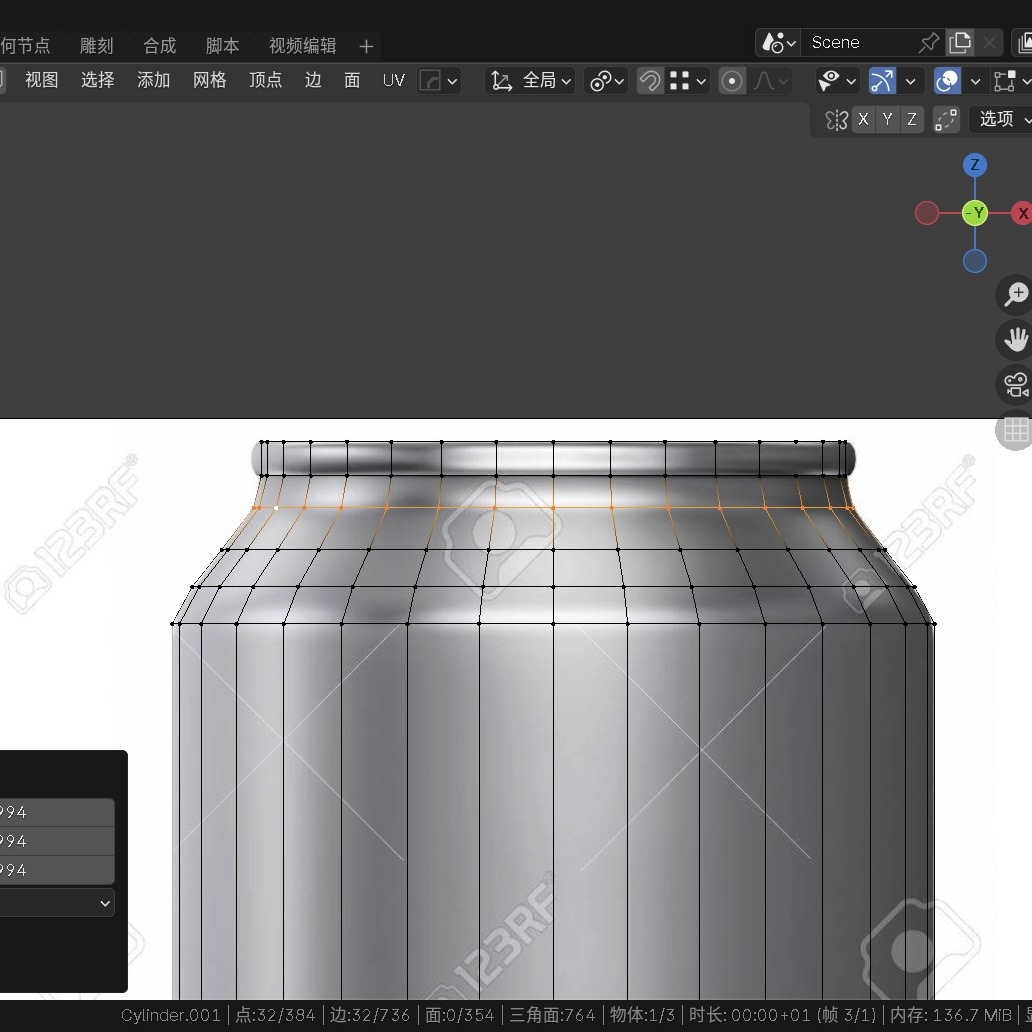
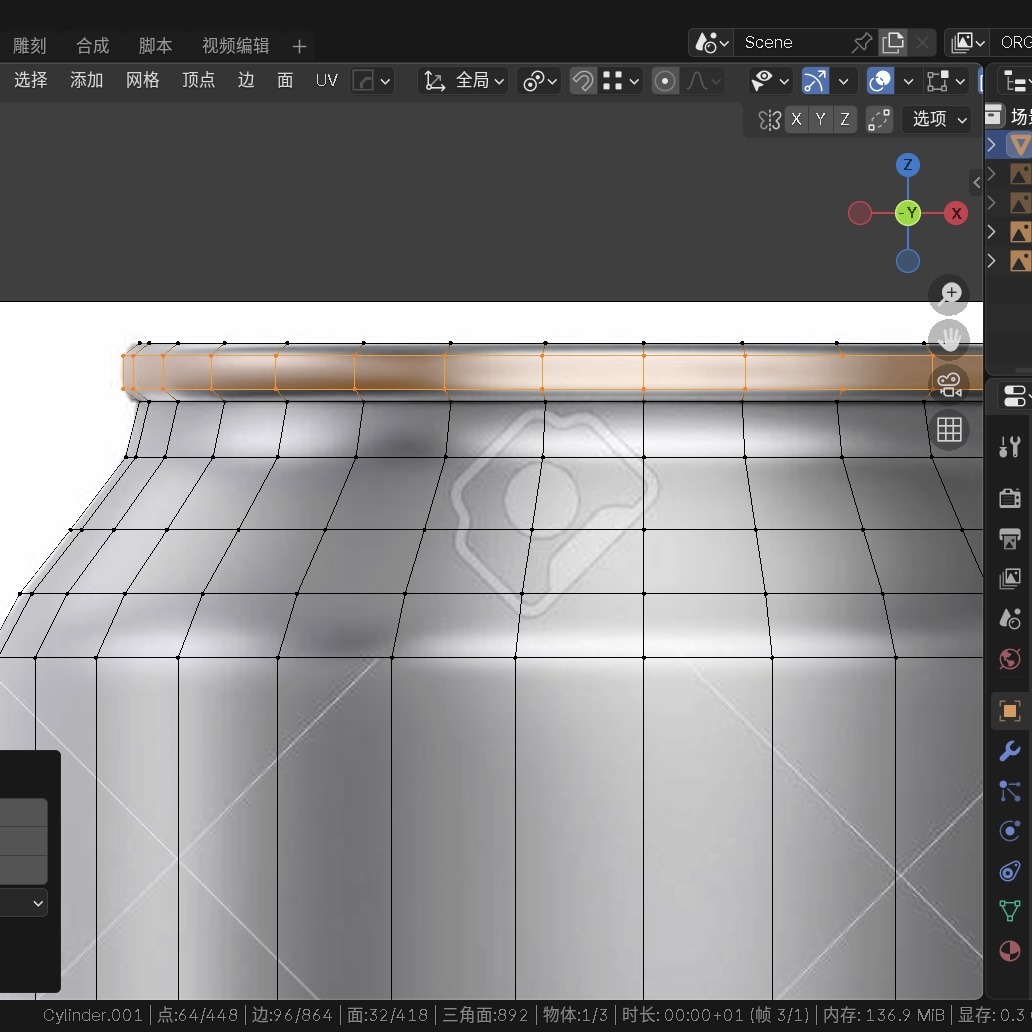
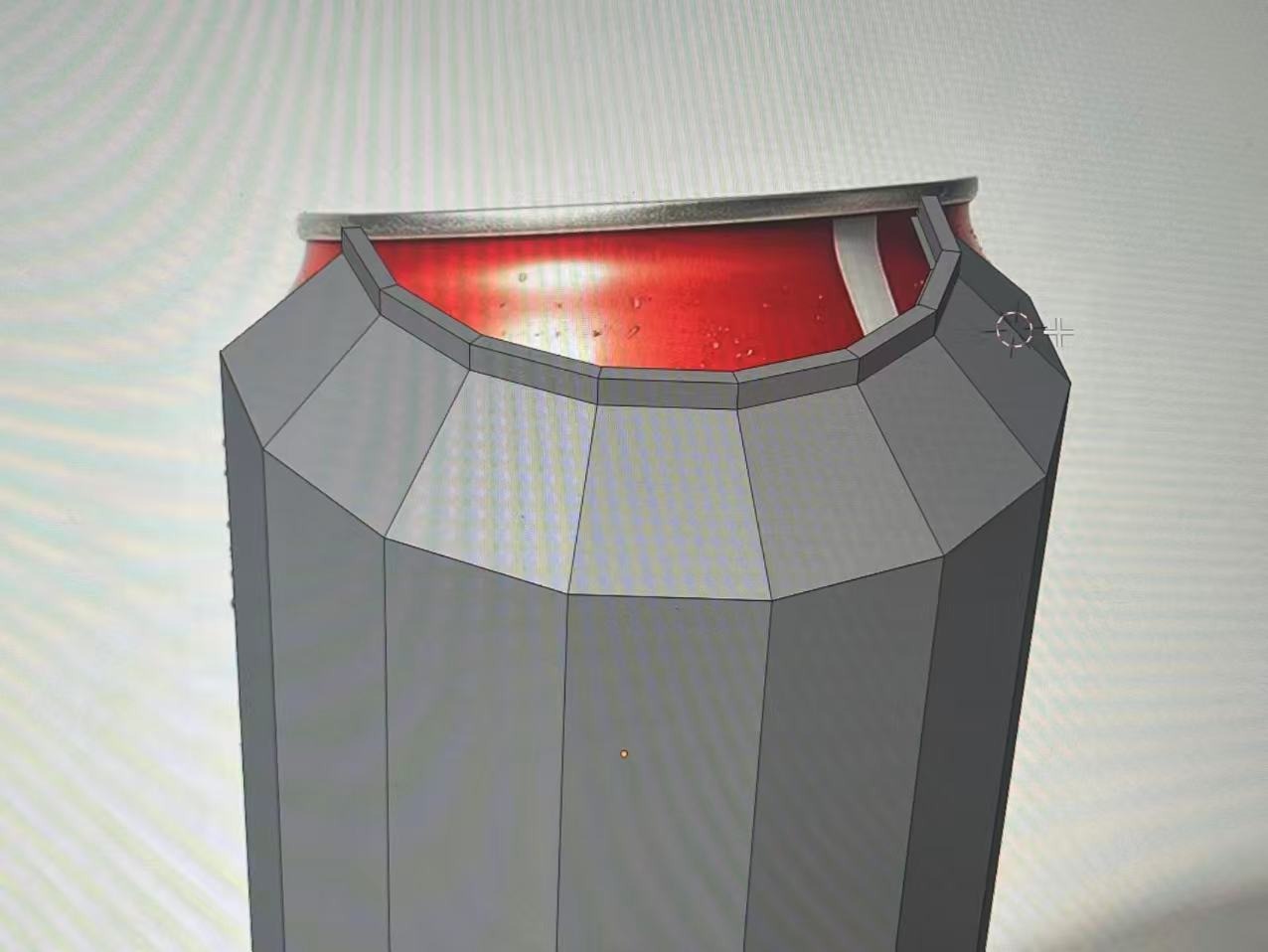
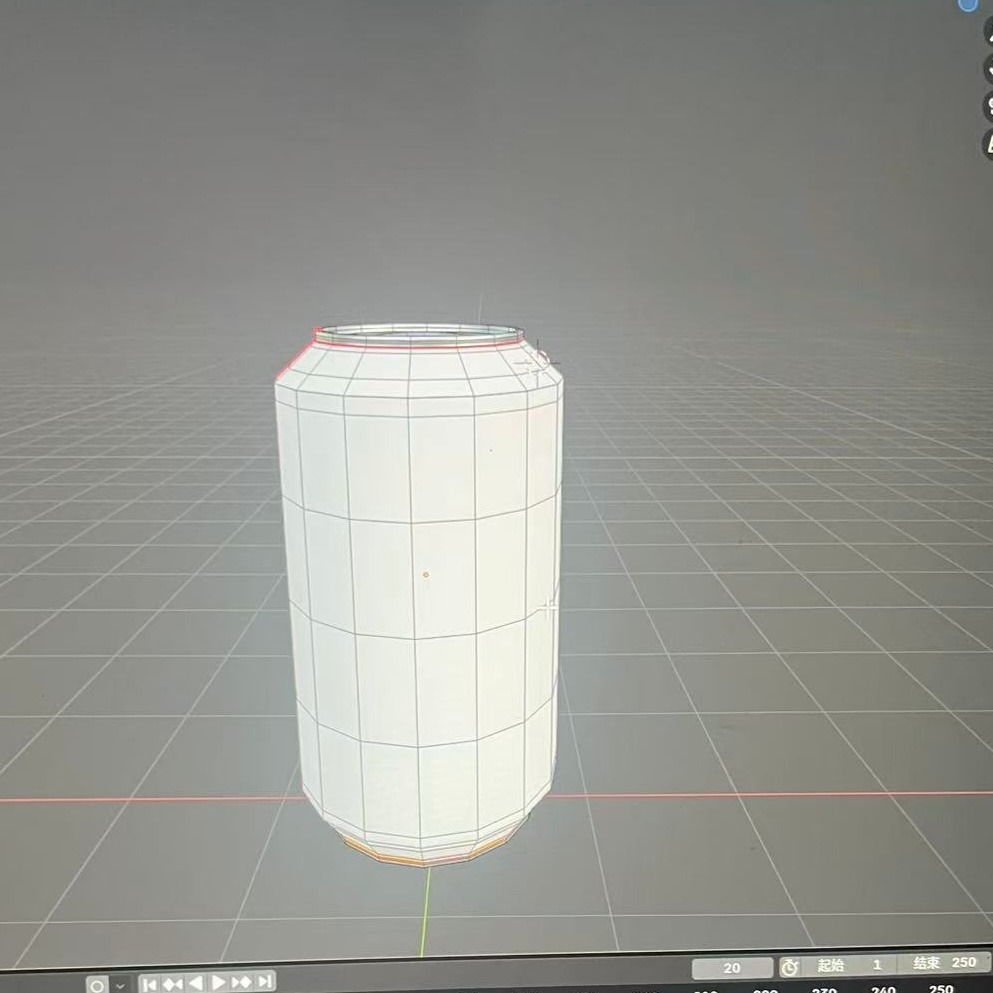
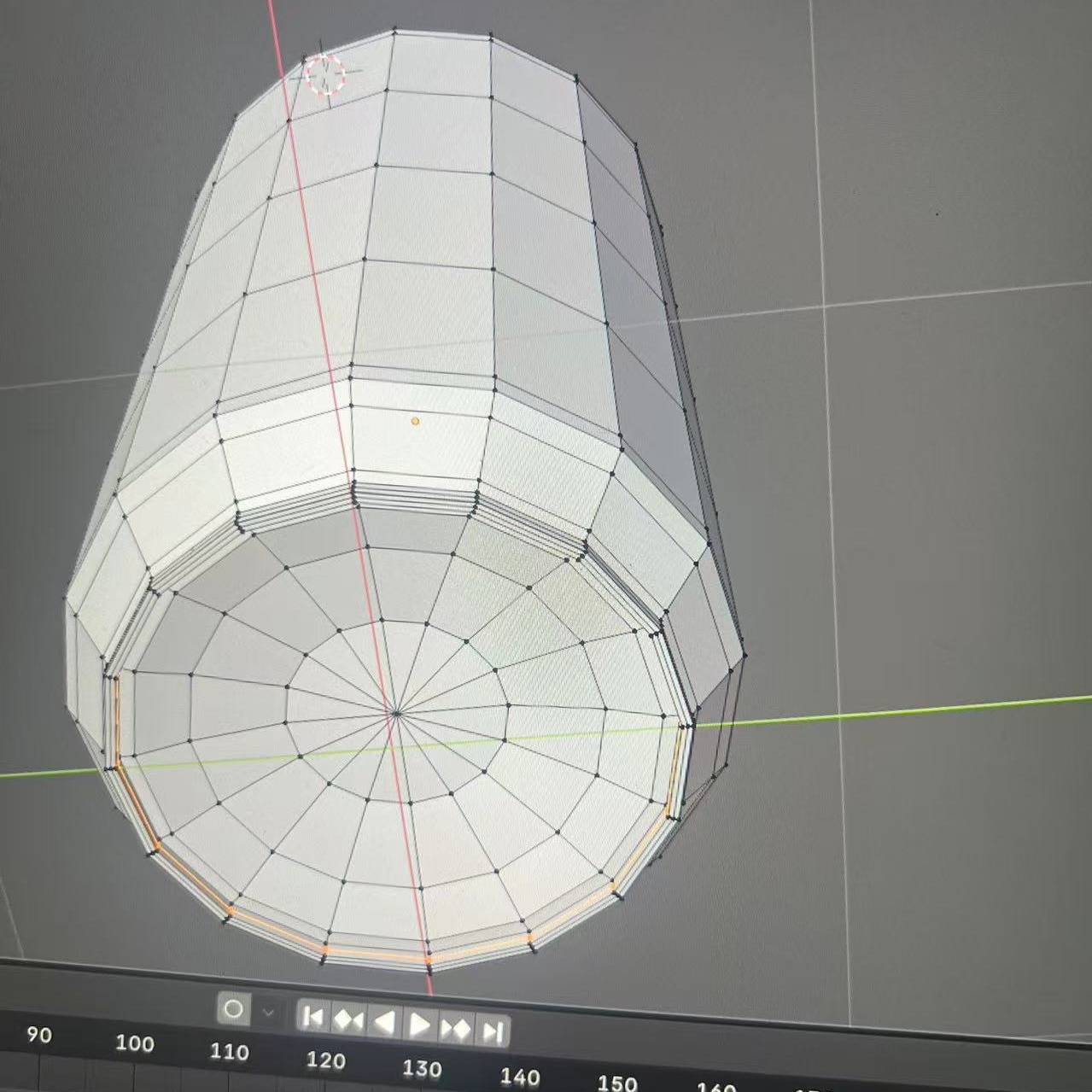
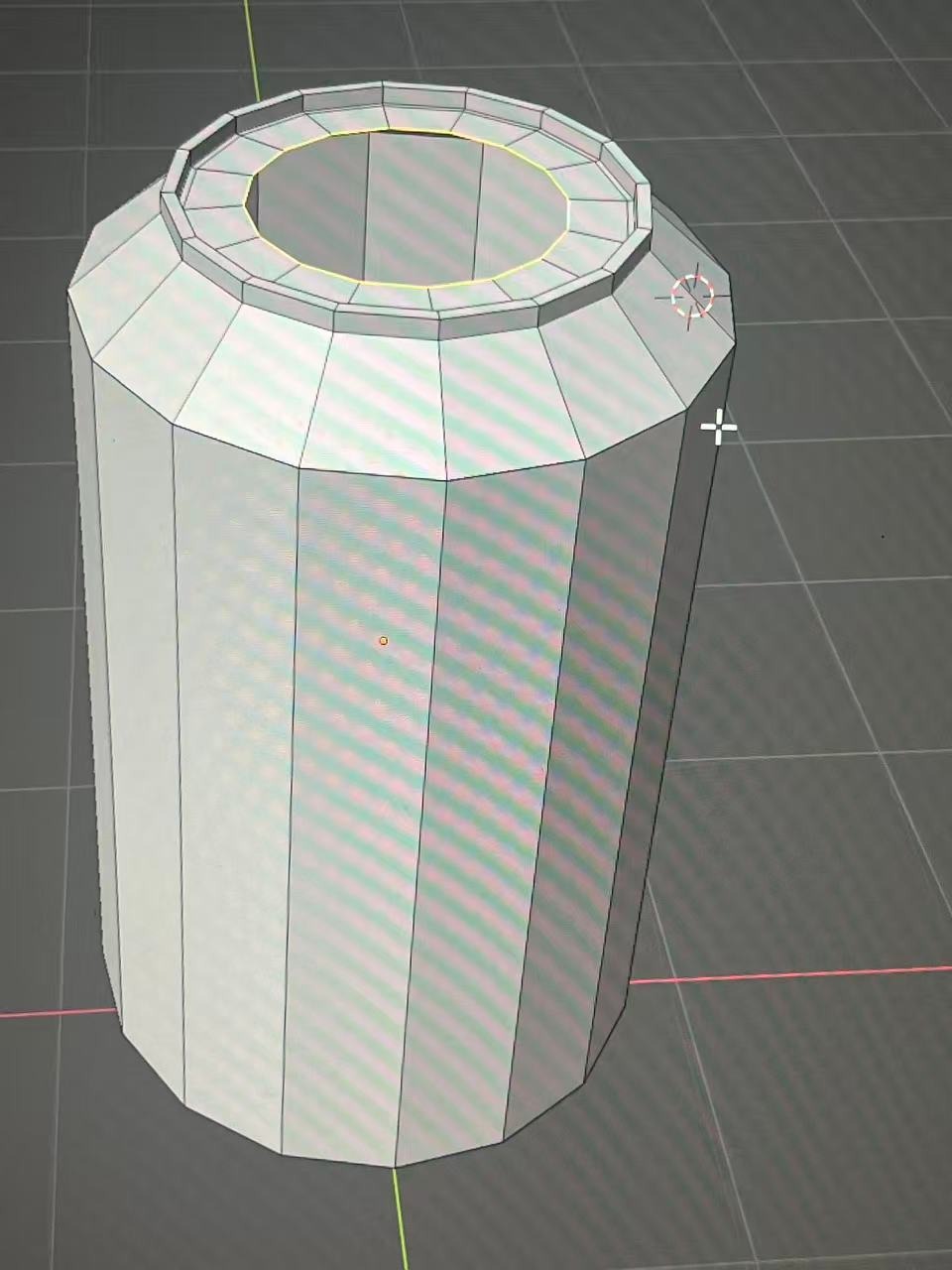
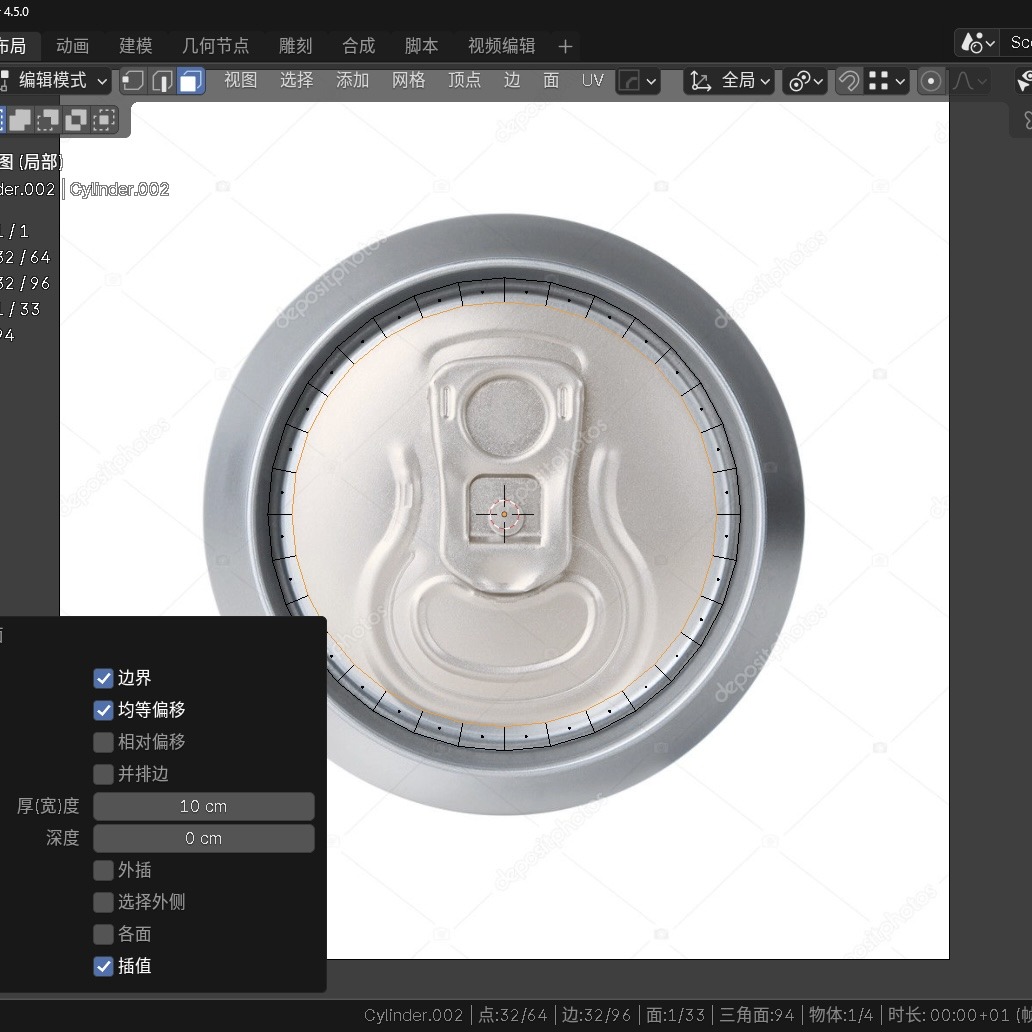
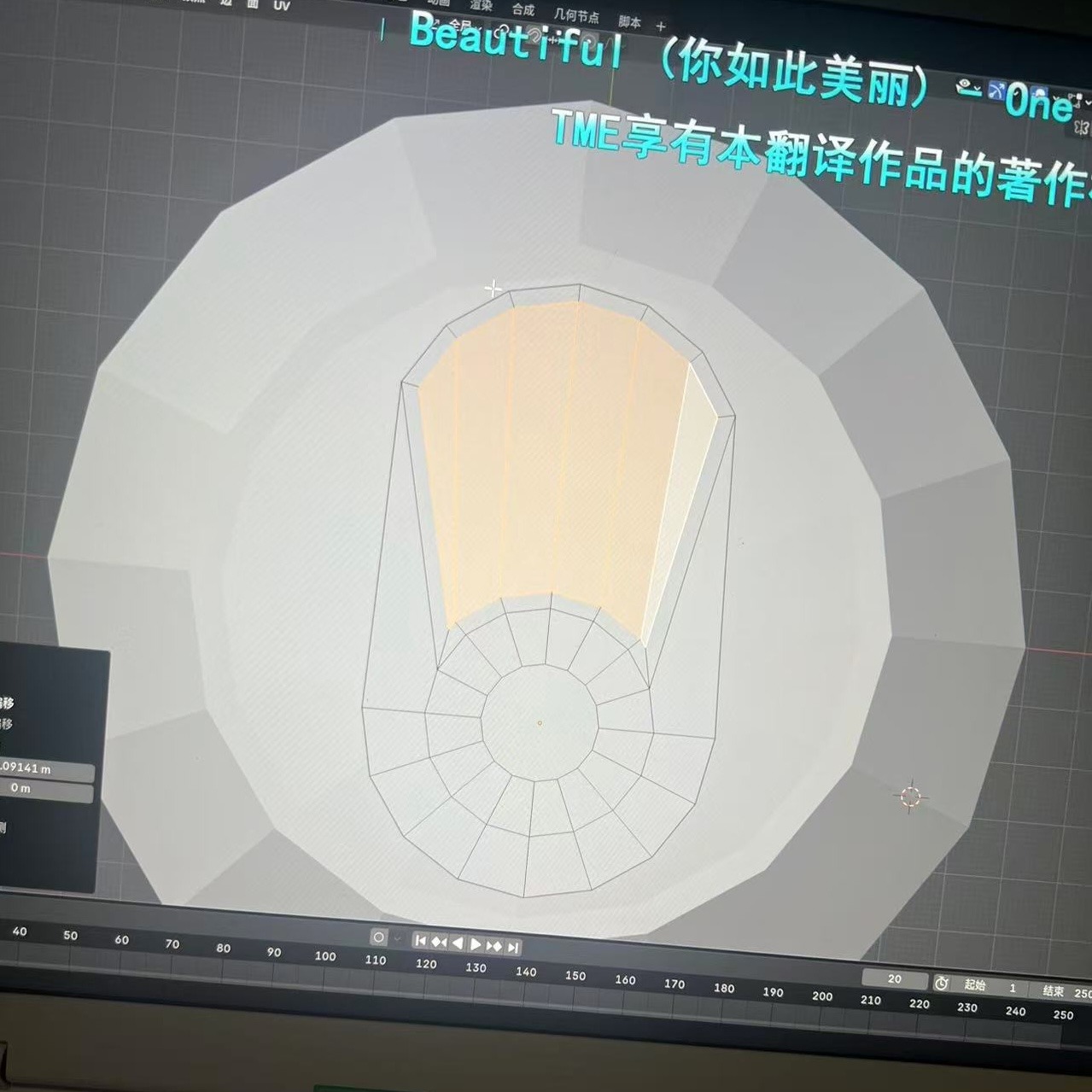
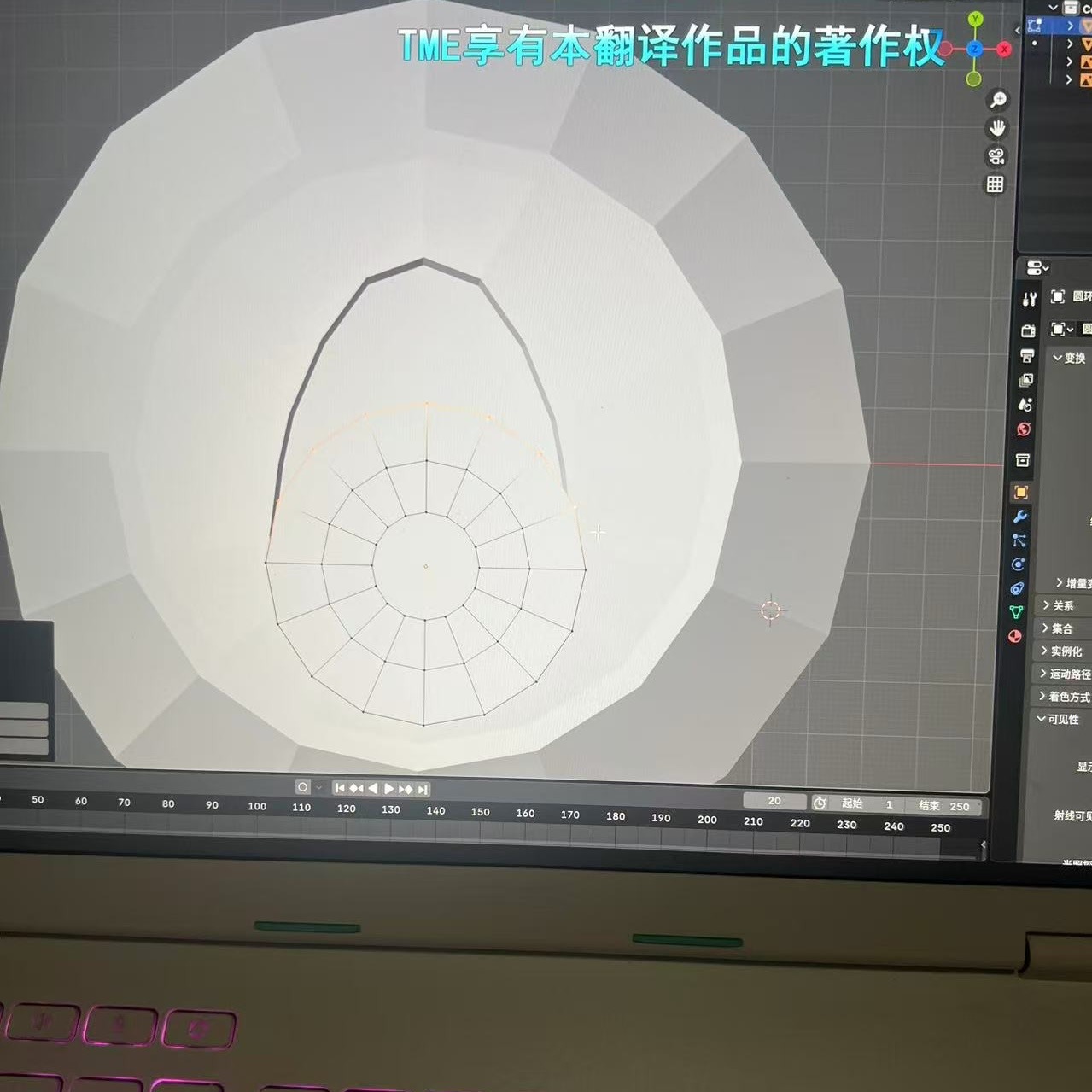
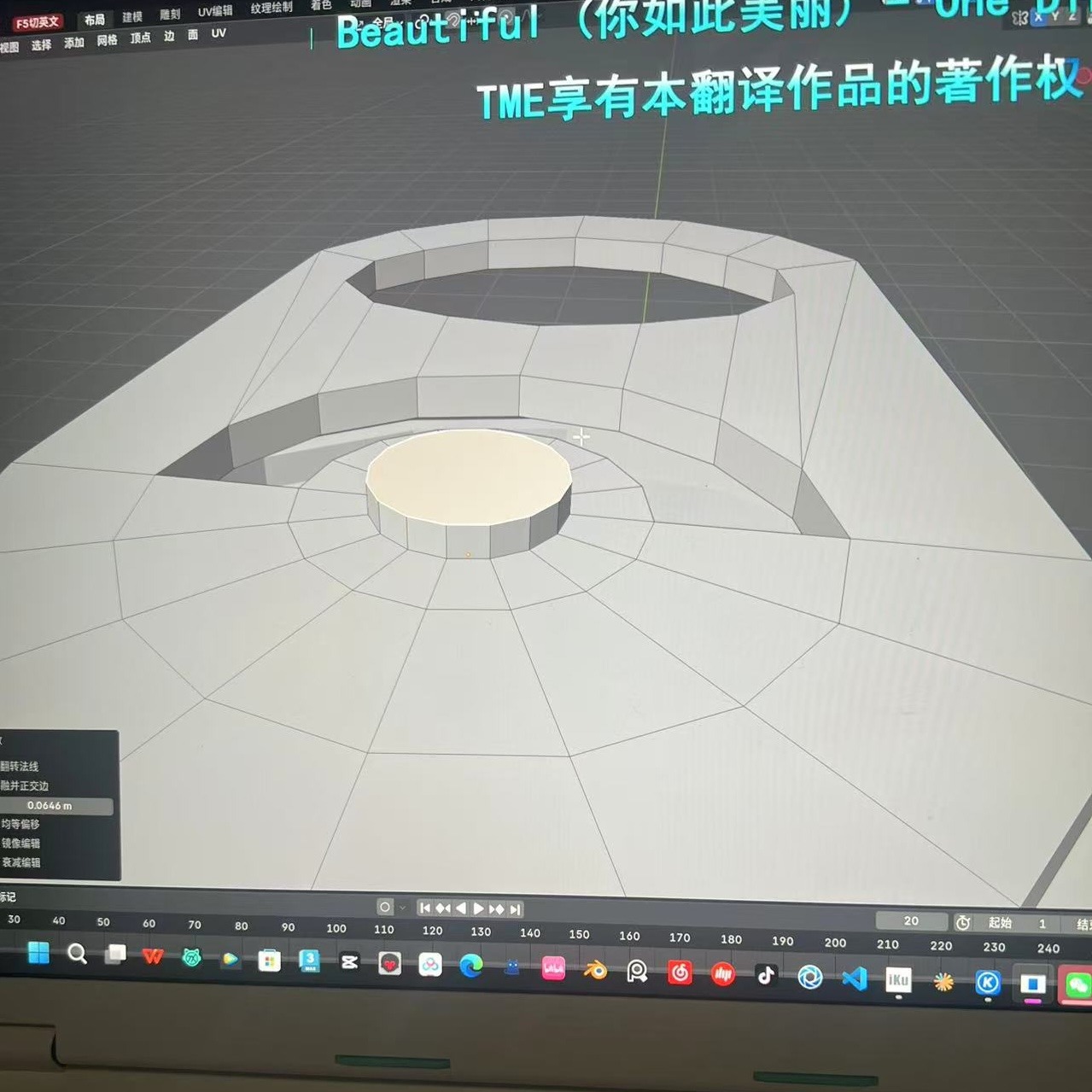
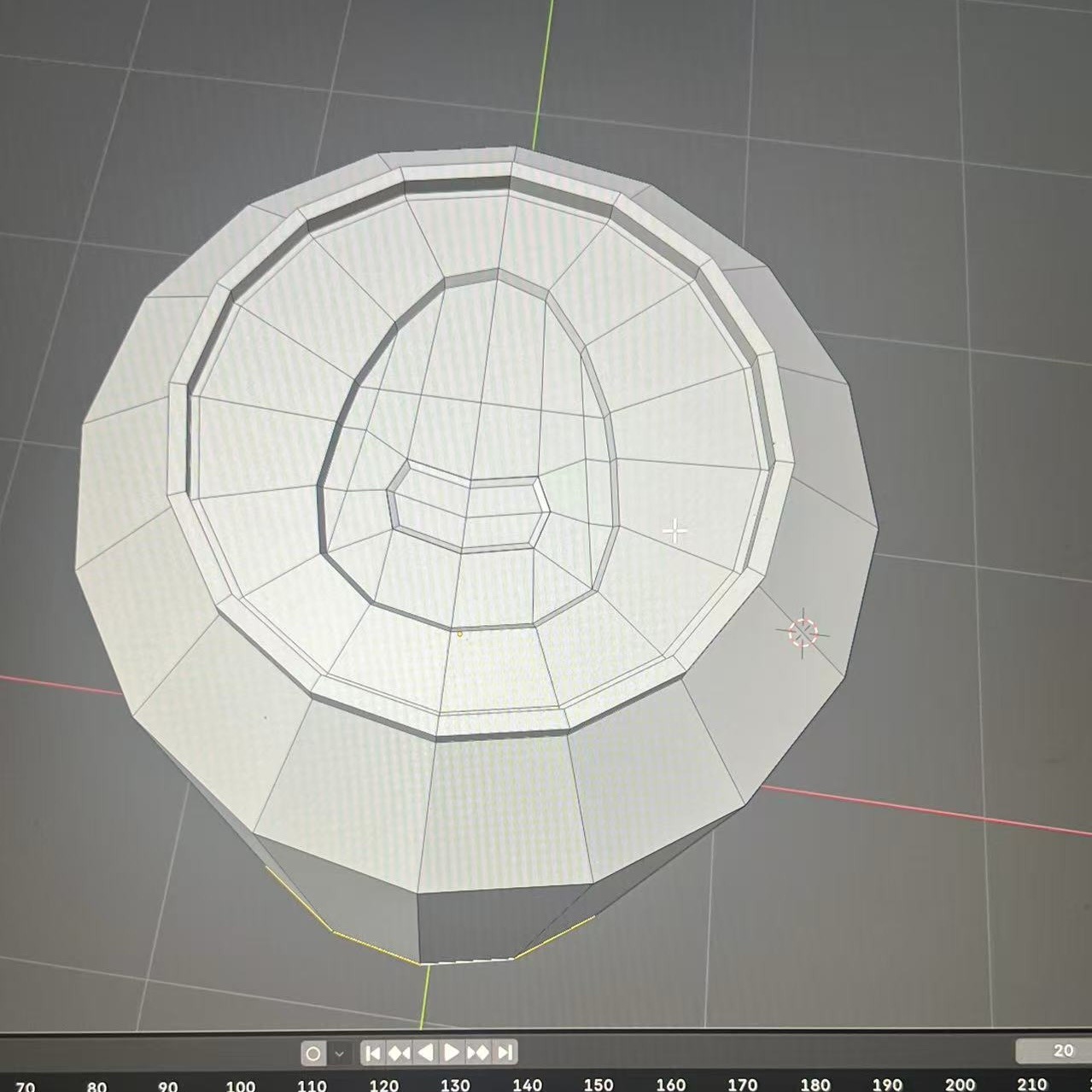
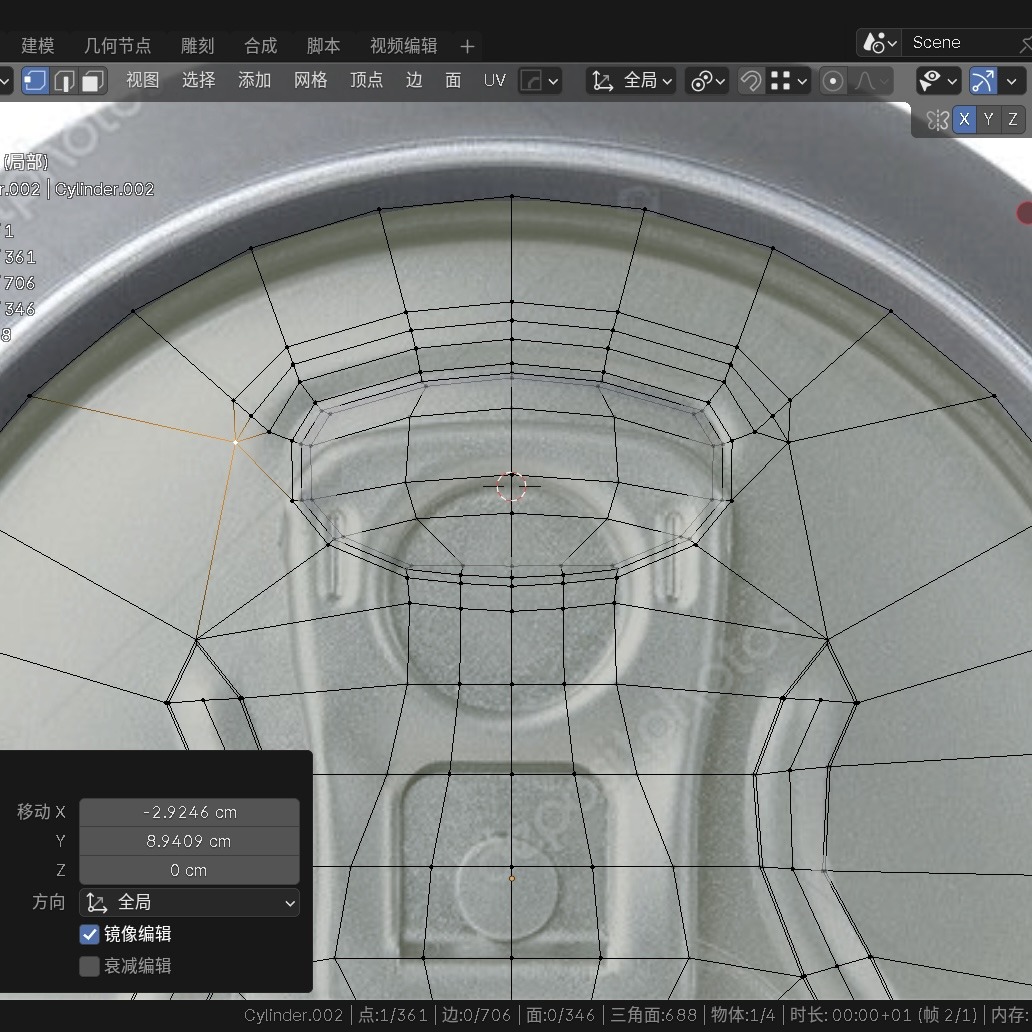
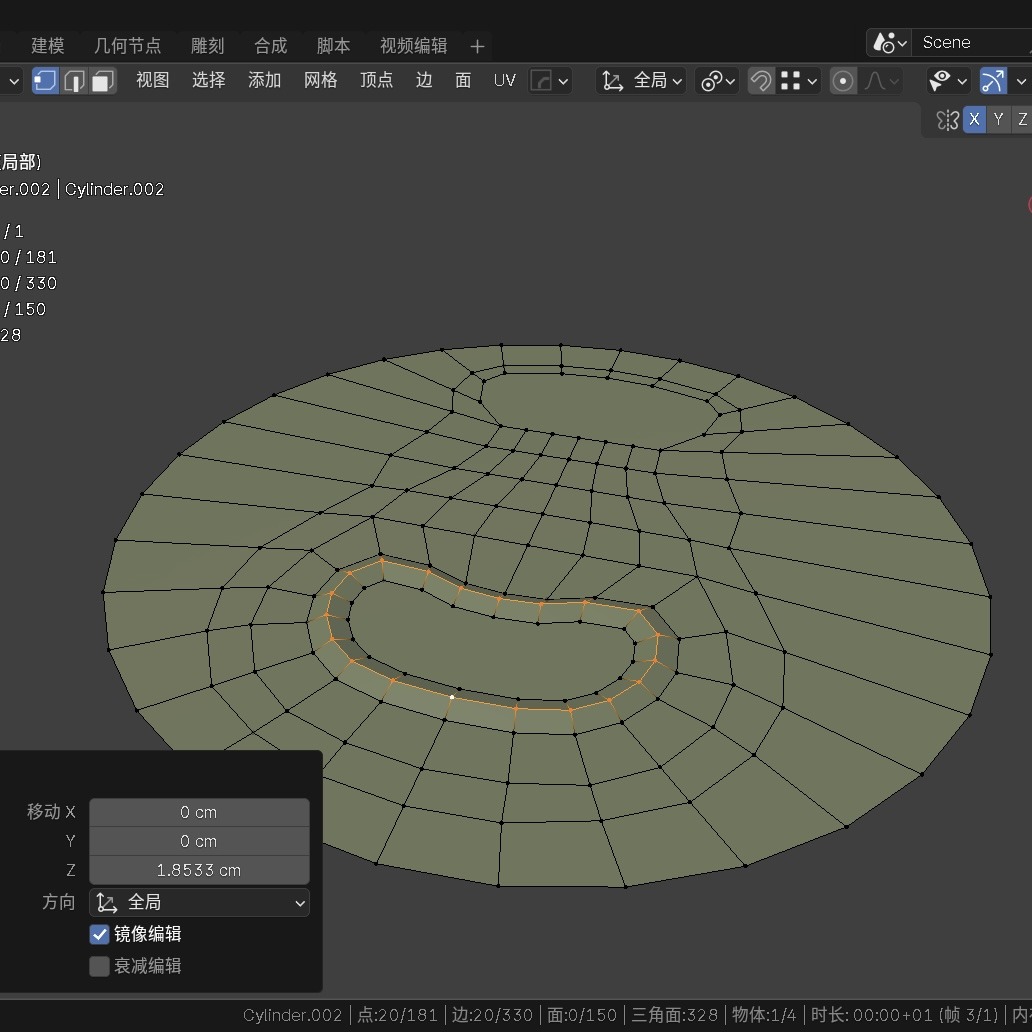
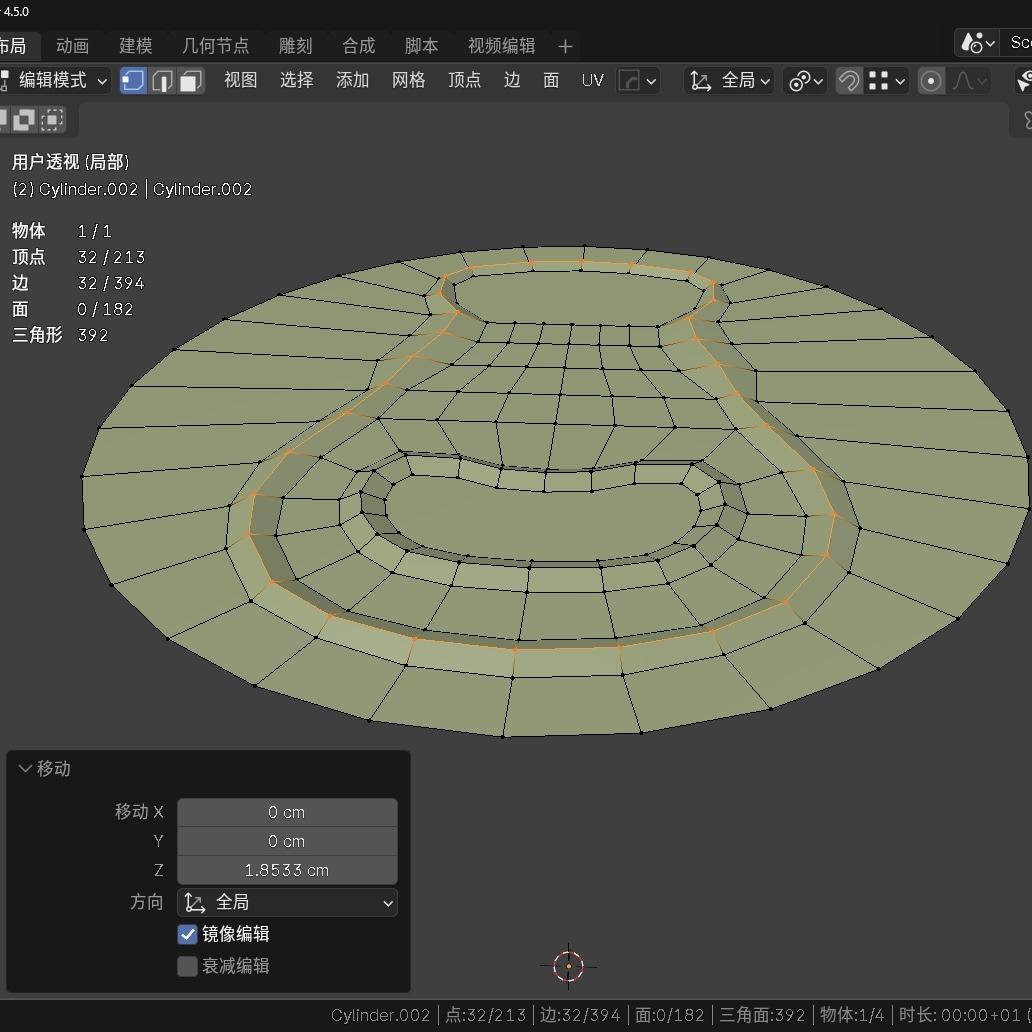
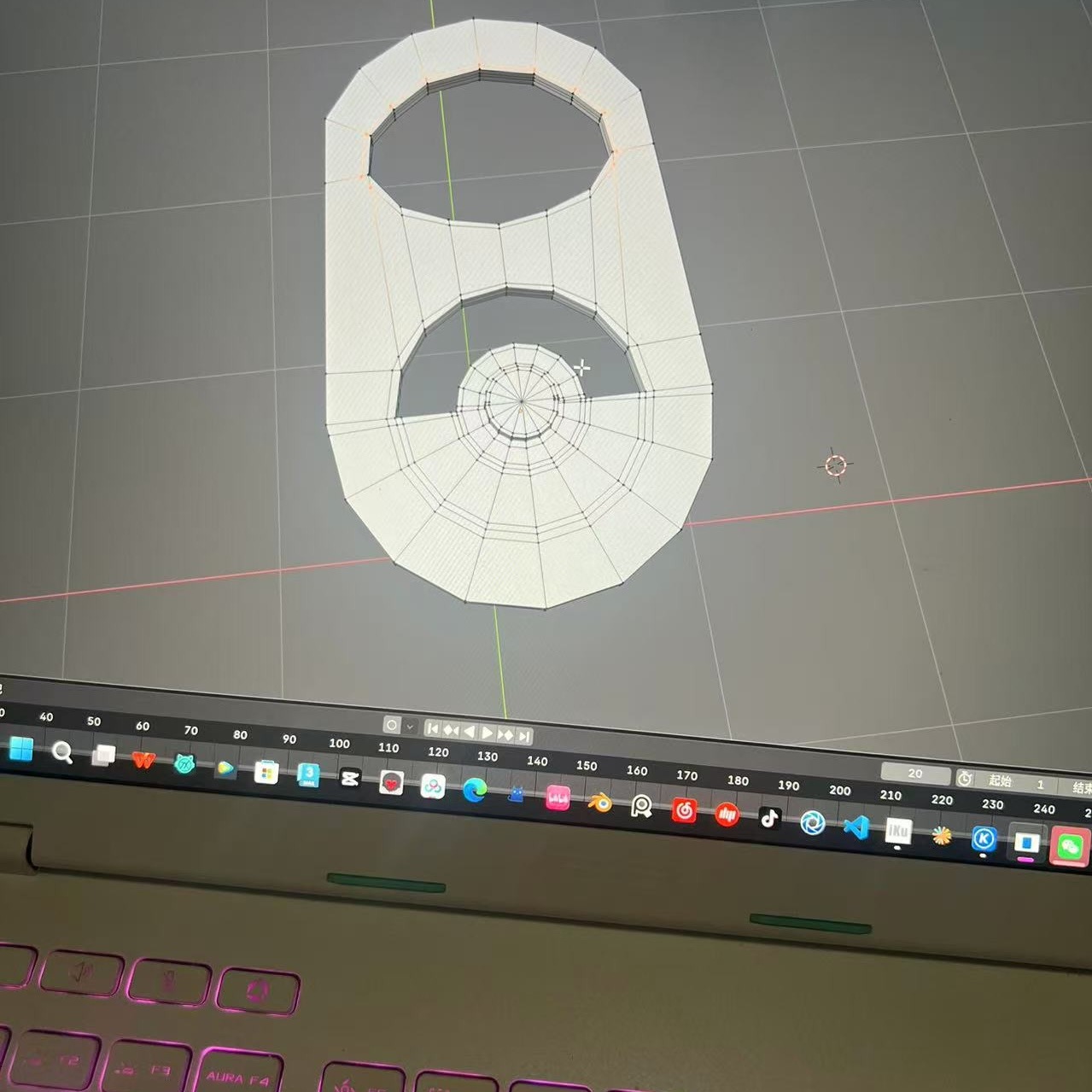
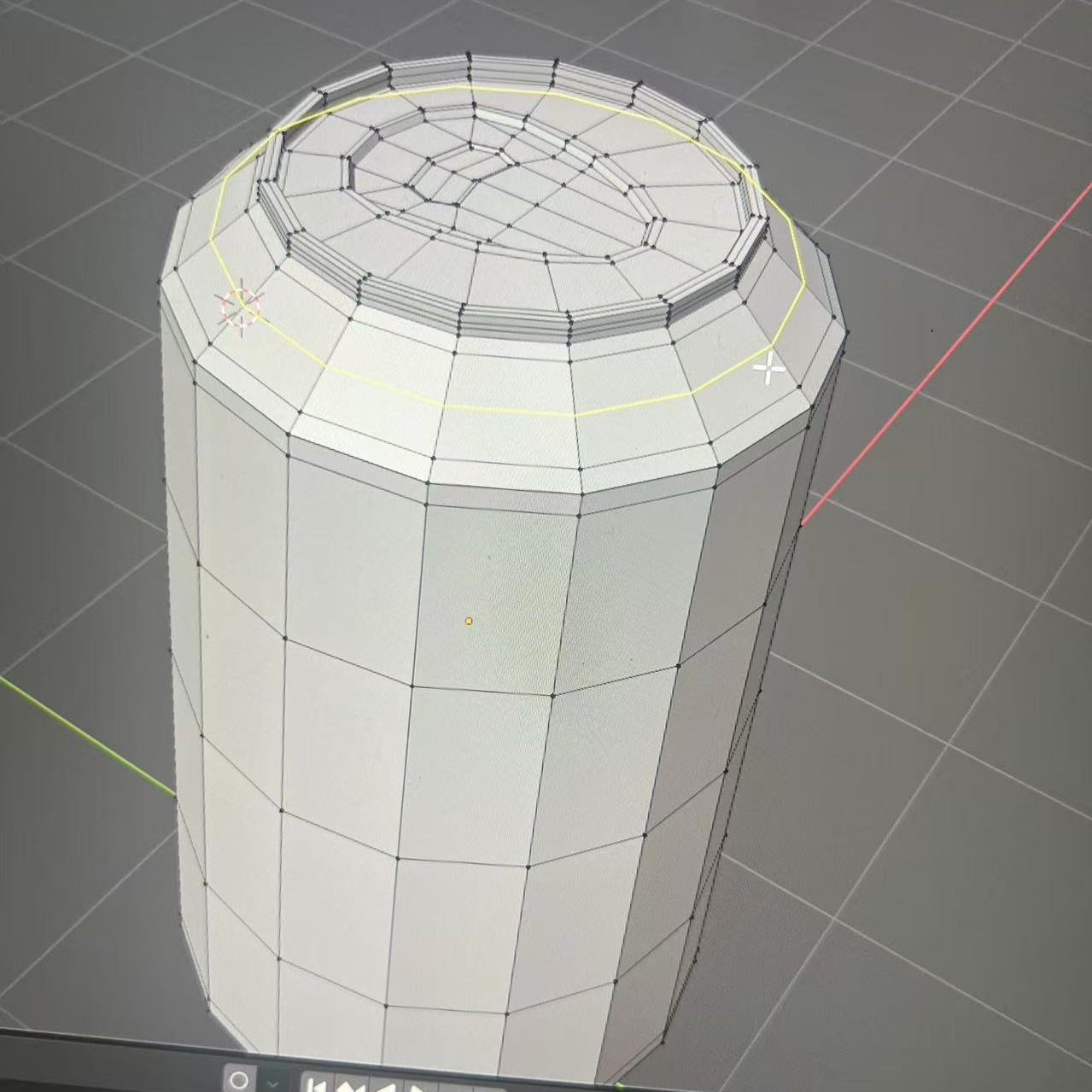
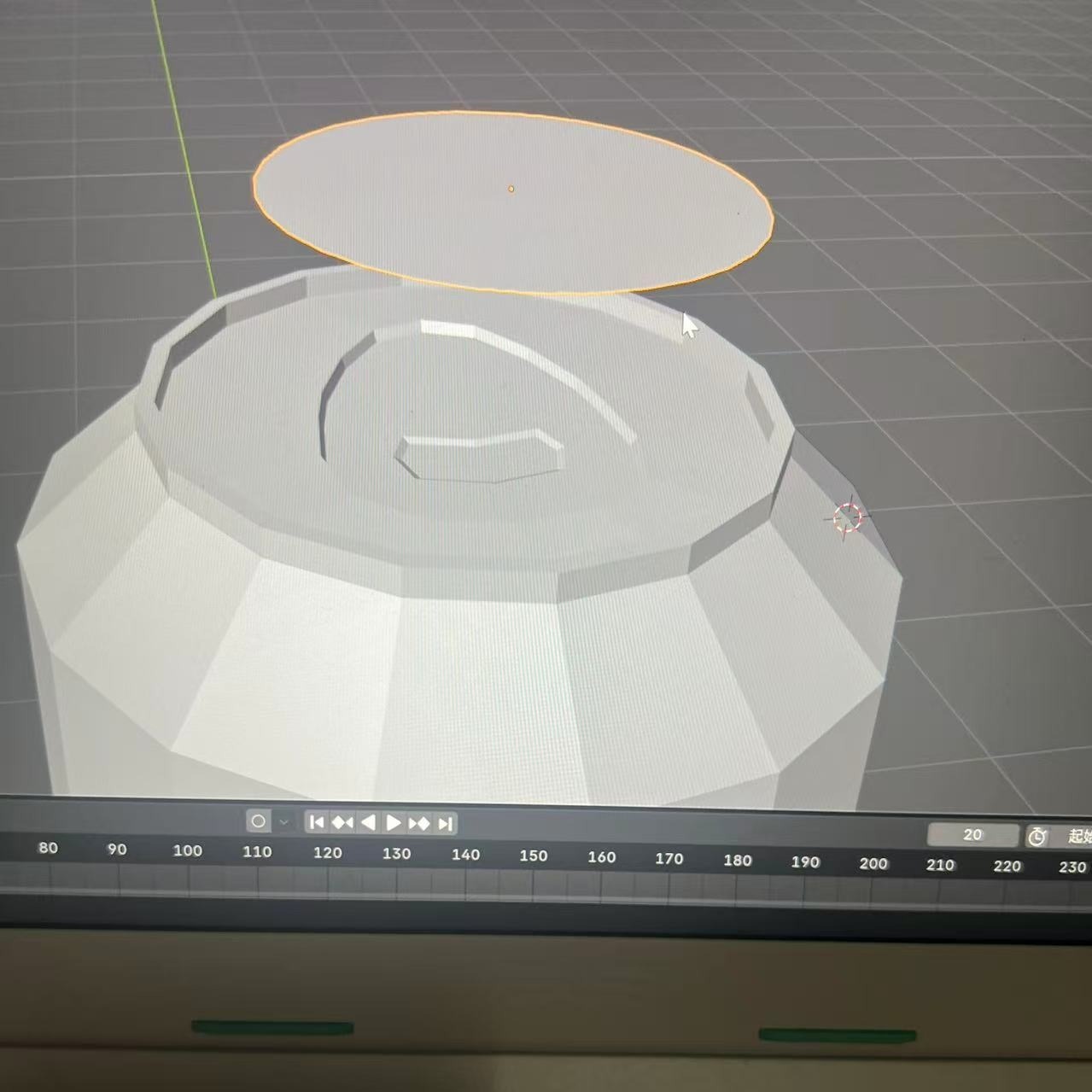
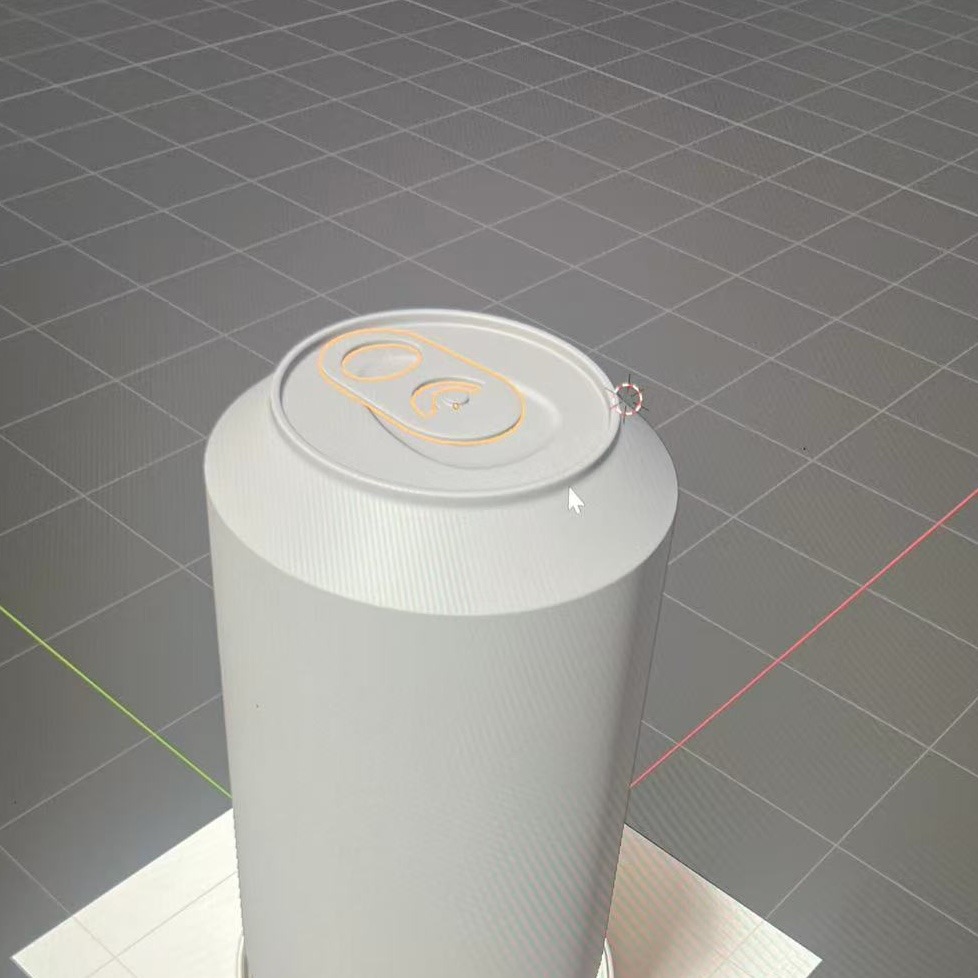
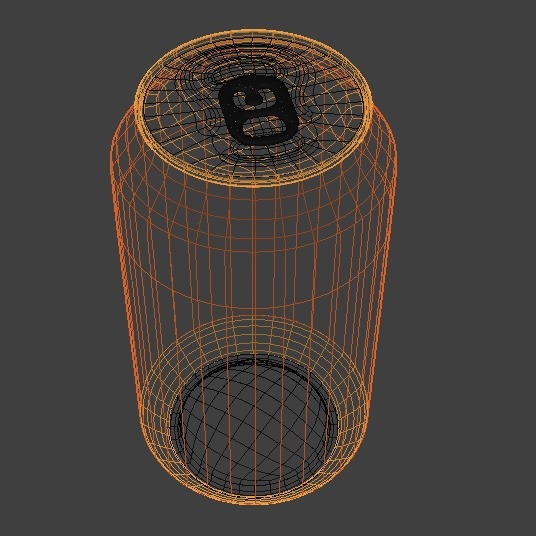
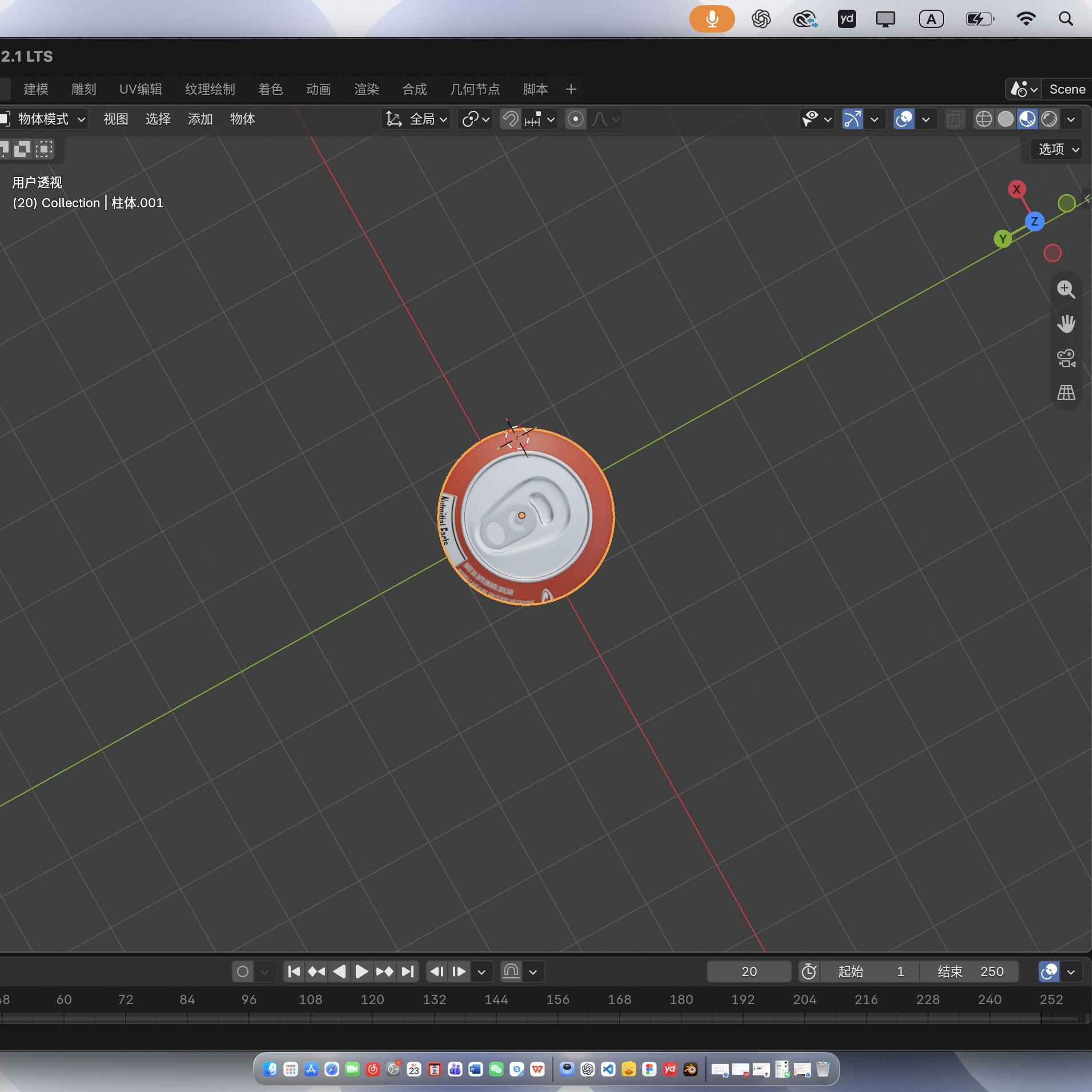
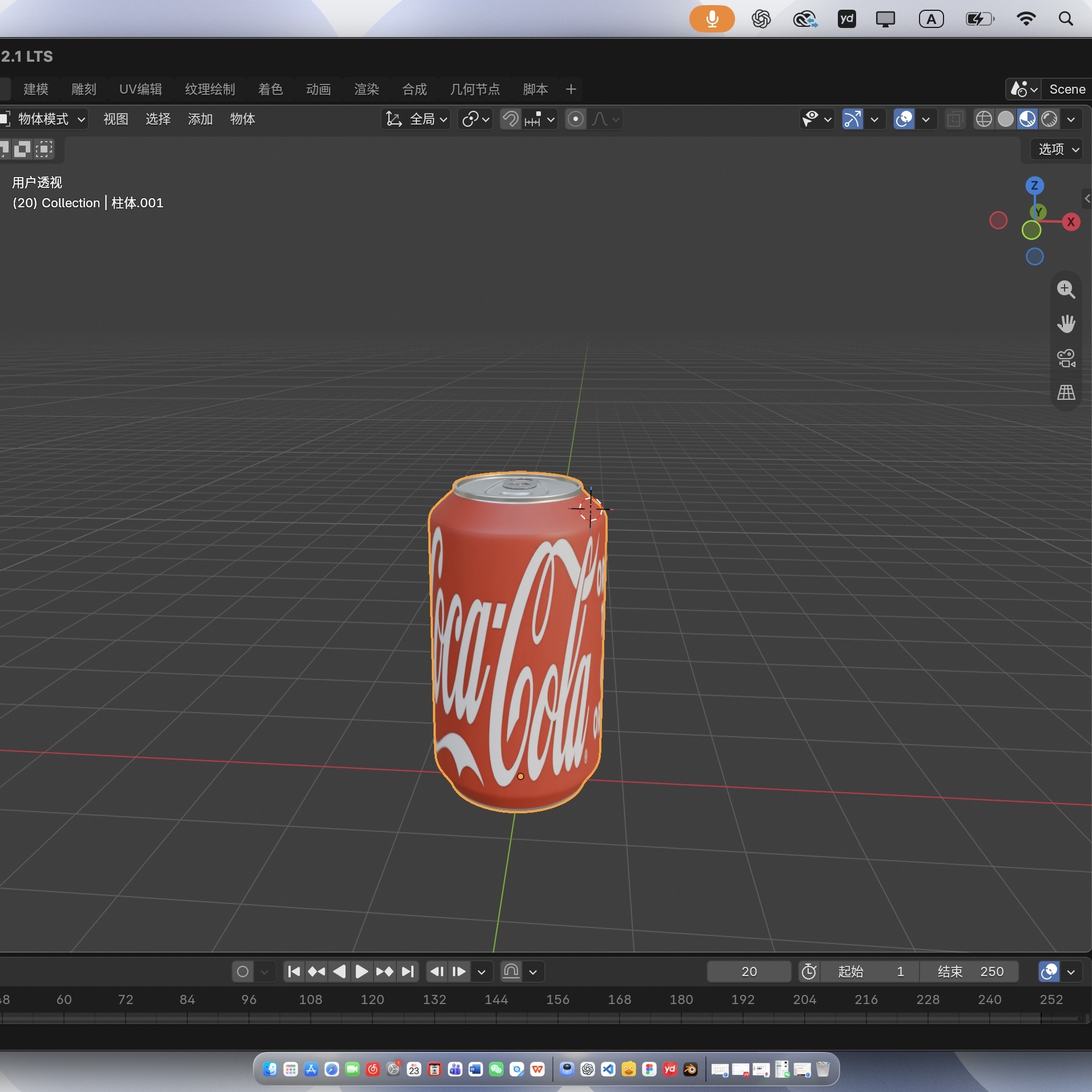
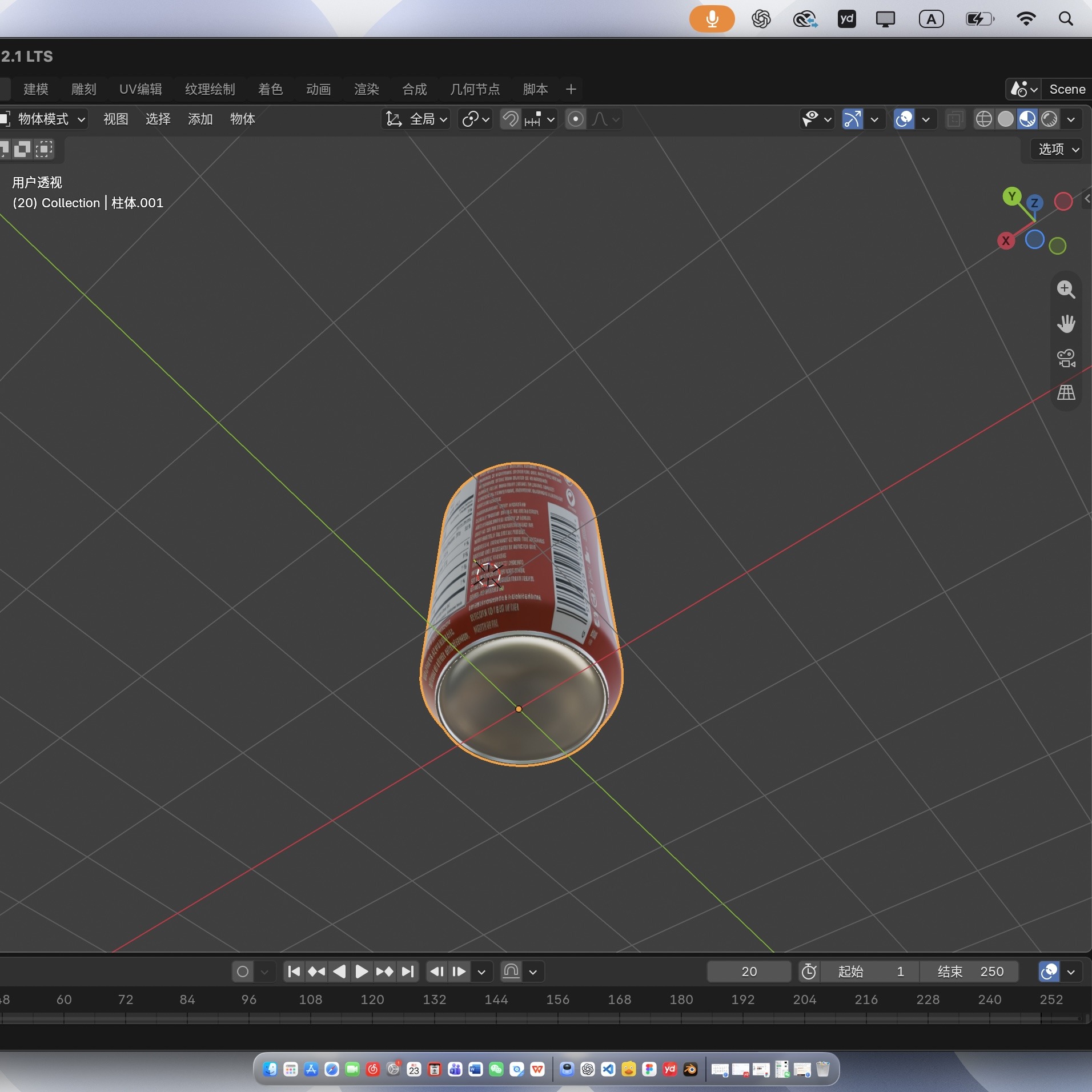
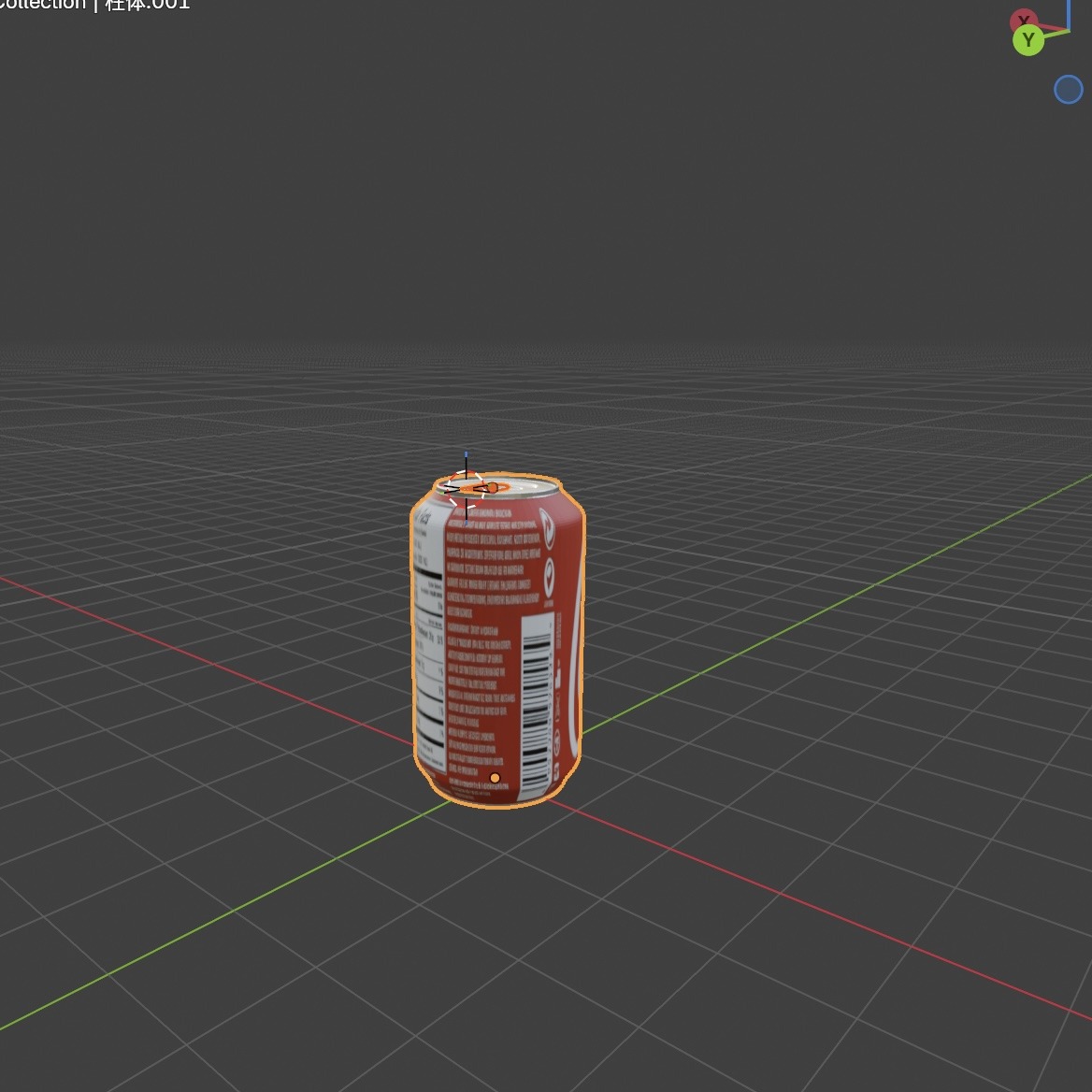
For Design Challenge 2, I modelled a Coca-Cola can in Blender. I started with a cylindrical body and used reference images to shape the shoulder, recessed base, rim, and pull-tab opening. I then applied the red Coca-Cola graphic and checked the model from different angles. The 25 images below document that progression.
Material Workshop 1
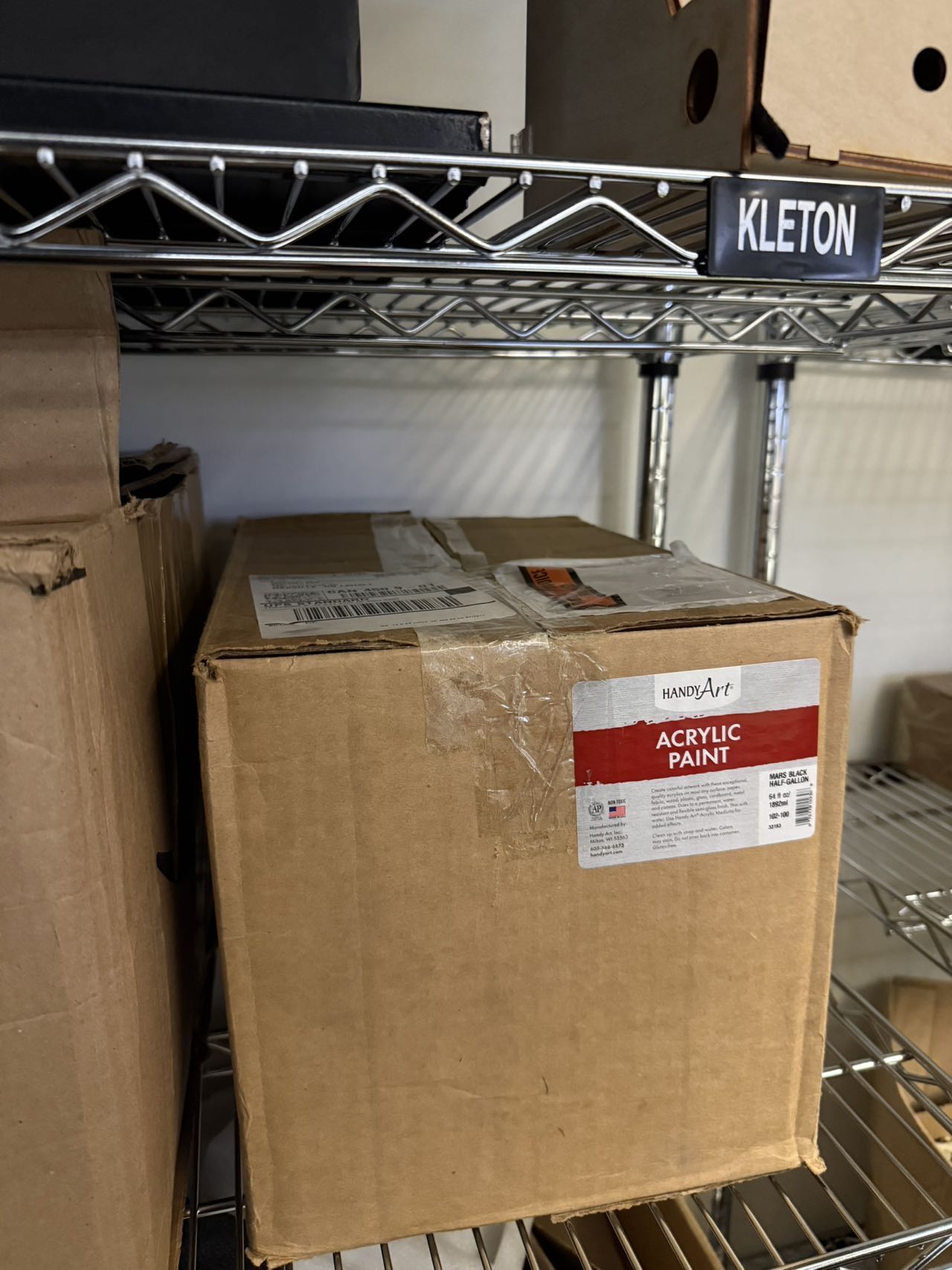
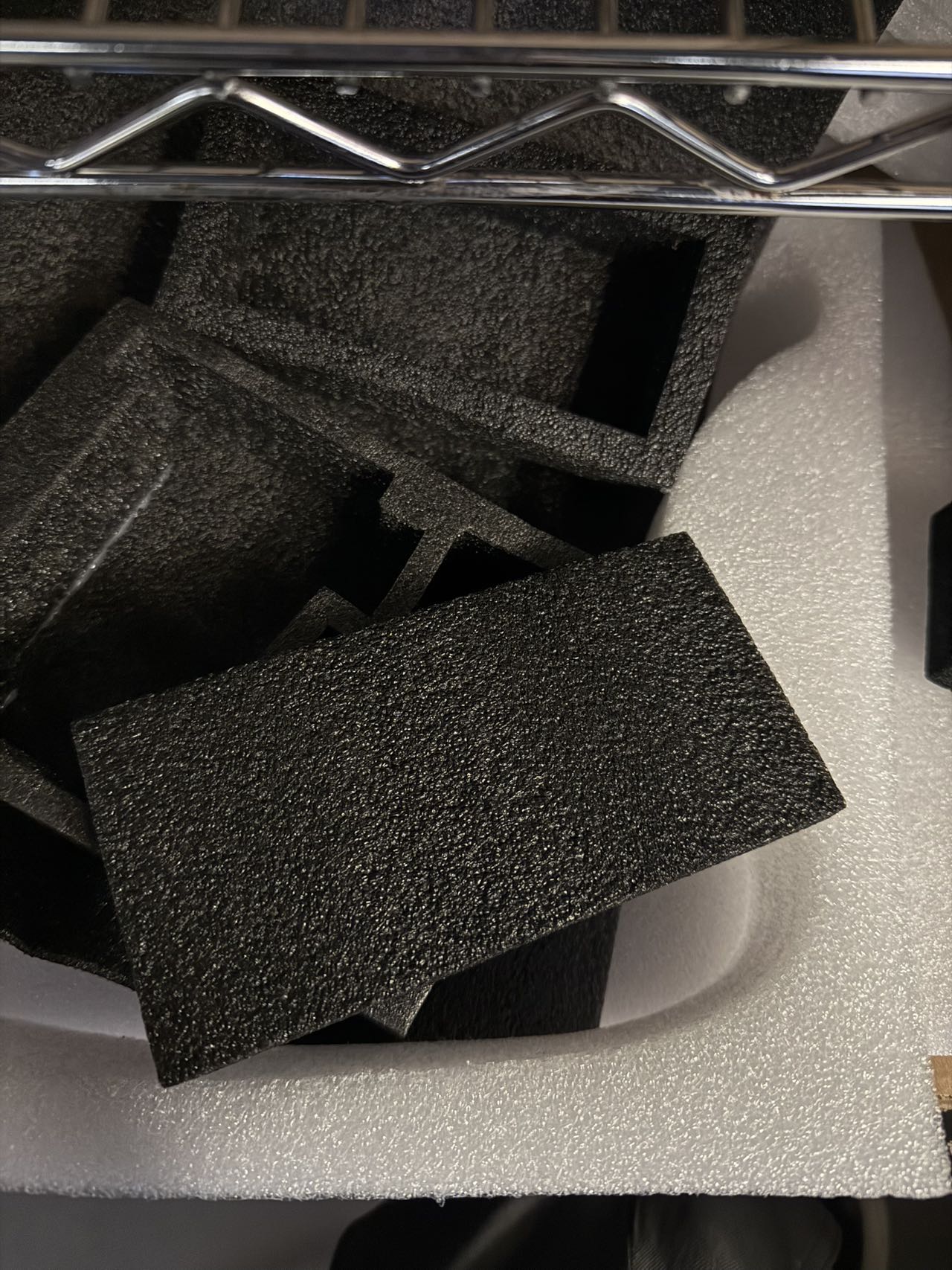
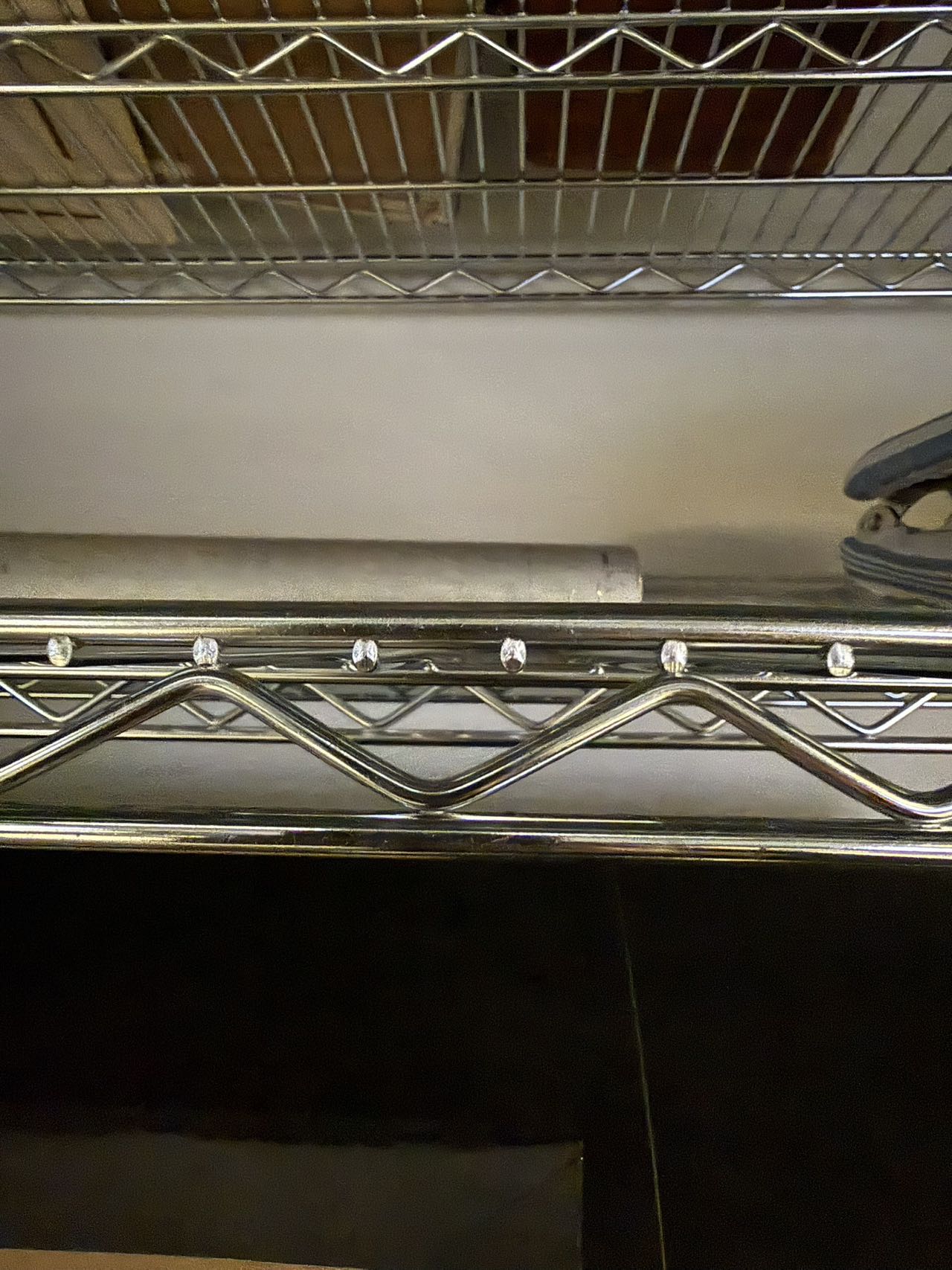
Material Workshop 2
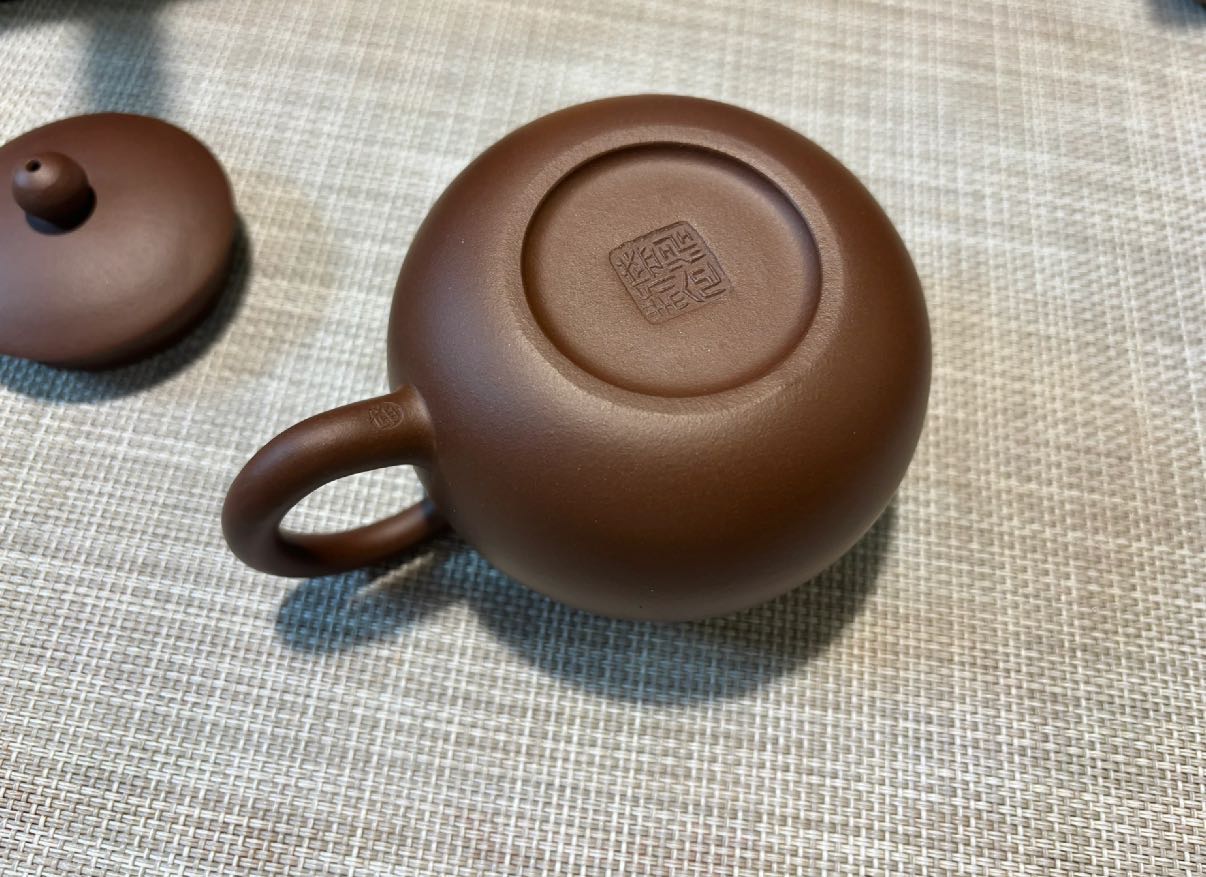
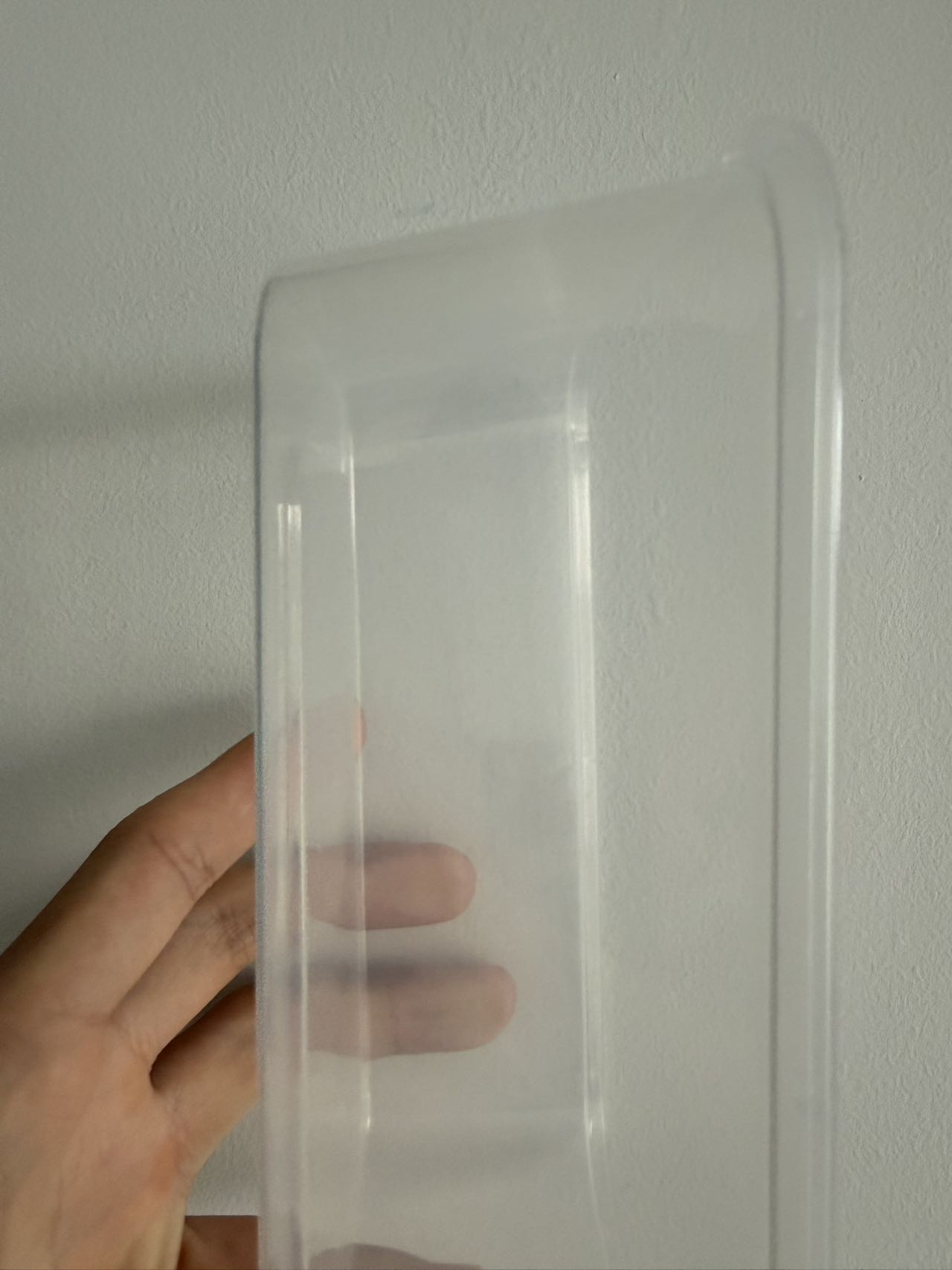
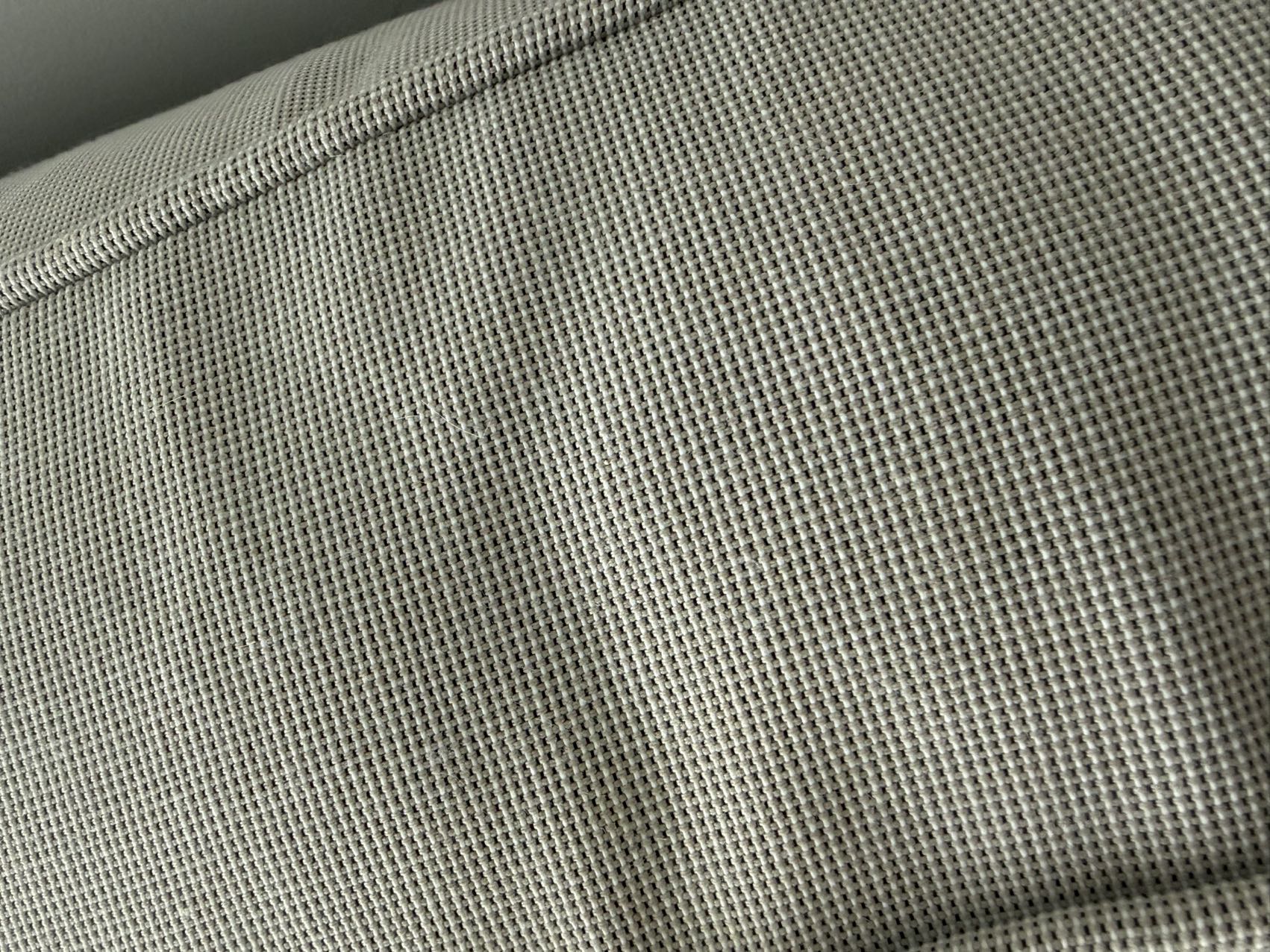
Project 1
Project 1 Models
Published 3D Model 1
A perfume bottle with an opaque rectangular body, a stepped neck, and a separate cap.
Published 3D Model 2
A brown teapot with a rounded body, a curved spout, a handle, and a lid.
Published 3D Model 3
A layered hamburger with buns, a patty, cheese, tomato slices, pickles, and lettuce.
Powered by w3.css